
Share your project
Exercise
foundational
+60XP
10m
Unity Technologies
Share your work to get credit for completing the entire Pathway.
Languages available:
1. Overview
You have completed all the work for this entire Pathway, where you have learned the essentials of creating in Unity.
Think back to all you accomplished in this Pathway:
- You explored the Editor interface.
- You mastered 3D scene navigation and passed the Scene view flying test.
- You created a mural in the Scene view.
- You added furniture to a kid’s bedroom.
- You made a bouncy ball with a custom material and physics.
- You made a tower of prefab blocks.
- You configured the skybox, lighting, and camera.
- You create an immersive soundscape in a kitchen.
- You added a player movement script.
- You coded a simple rotating object.
- You coded a collectible that spawned a particle effect.
- You set up a 2D room with specialized 2D components.
- You completed a 2D puzzle game, including an animated 2D pet.
- You set up your work as a single portfolio project.
- You published to WebGL.
- You recorded a video of your work.
That’s quite an impressive list! Now all that's left to do is share your work with others on Unity Learn.
When you do this, you will get XP on Unity Learn for completing the entire Unity Essentials Pathway, and you’ll earn the official Unity Essentials badge.
2. Upload your project
Here's where you’ll upload your screen recording or a link to your WebGL build to Unity Learn in order to inspire others, and to prove that you have, in fact, mastered the essentials of creating in Unity.
Submitting your screenshot or screen recording is required in order to get credit for completing this Pathway, but it also ties you in with the learning community, where you can see what others are working on and share your creations.
Instructions:
1. Locate the screen recordings you created or the WebGL link for your published project.
2. Add a submission title and description below. Be sure to include the screenshots and video recording. If you have a WebGL link or any additional details about your process or project, you can include them in the description as well.
3. Set who can view your submission:
- Public: Anyone who views this tutorial.
- Private: Just you.
4. Select Save and preview submission.
5. Check your submission preview and then complete the CAPTCHA test and select Submit and continue.
Please login to submit
Complete this Tutorial
Submission Gallery

Unity Essentials
Unity Essentials
Unity Essentials Submission
This is my submission for the Unity Essentials Pathway. I'm fairly new to the field of Game Dev, so getting there step by step and definitely not my final project.
My Essentials project
this is my first unity essentials project
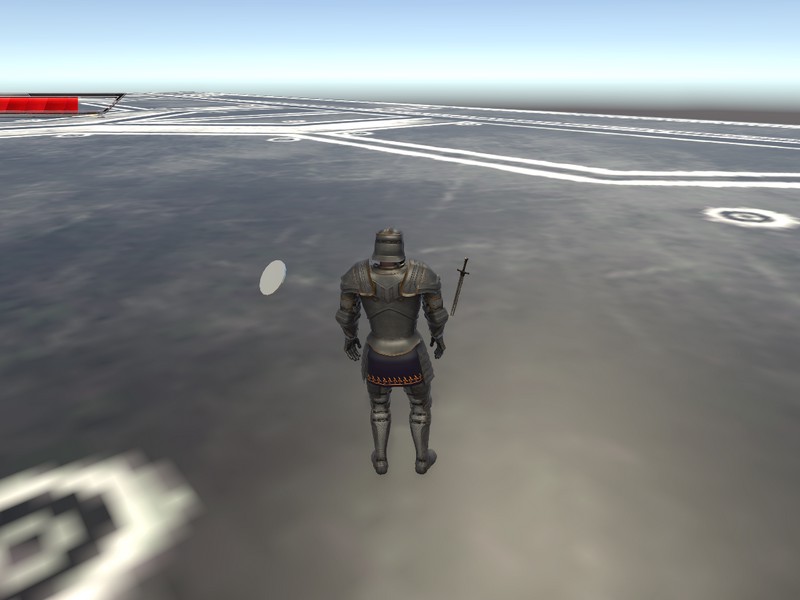
Forever Knights
The game is about a knight, he wants to collect the coins and fight against the all monsters along his way and finally he wants to collect the mighty sword and a doom coin.

Coin game
Collection of coins
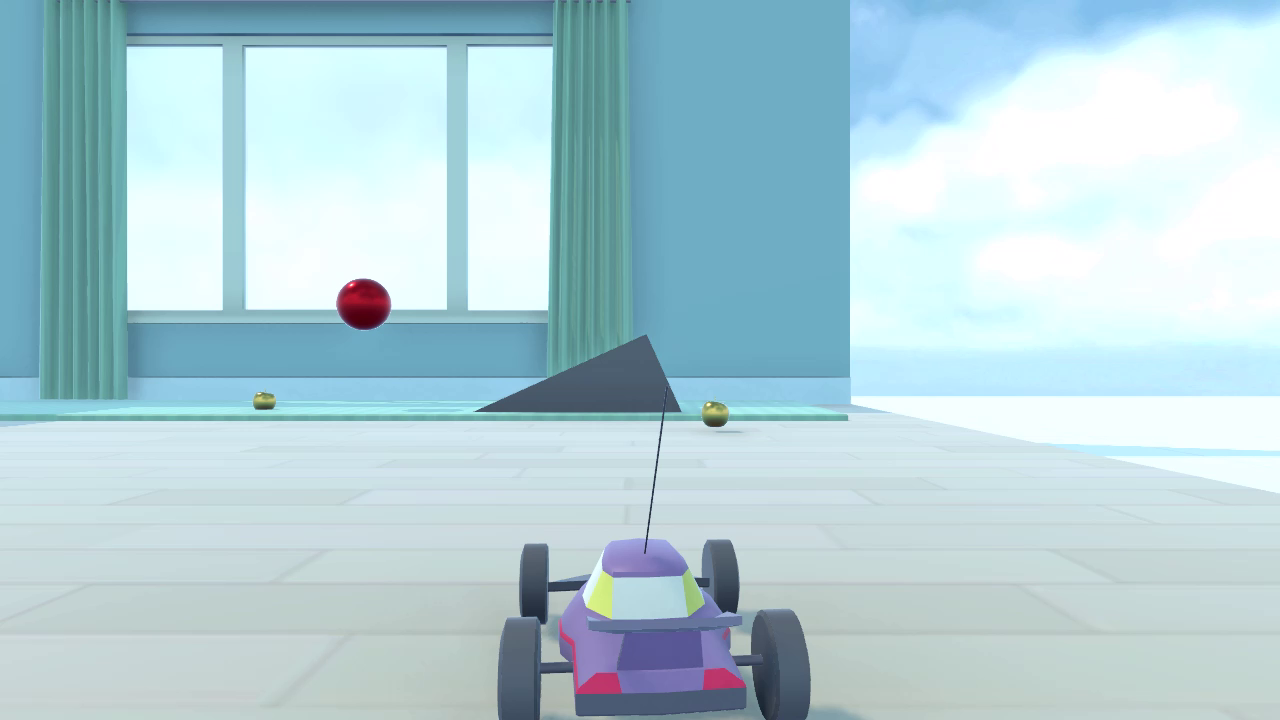
George Limbert - Unity Essentials Pathway
Unity Essentials Pathway