
Submission: Ice cream company filter
Exercise
Beginner
+60XP
1h 30m
Unity Technologies
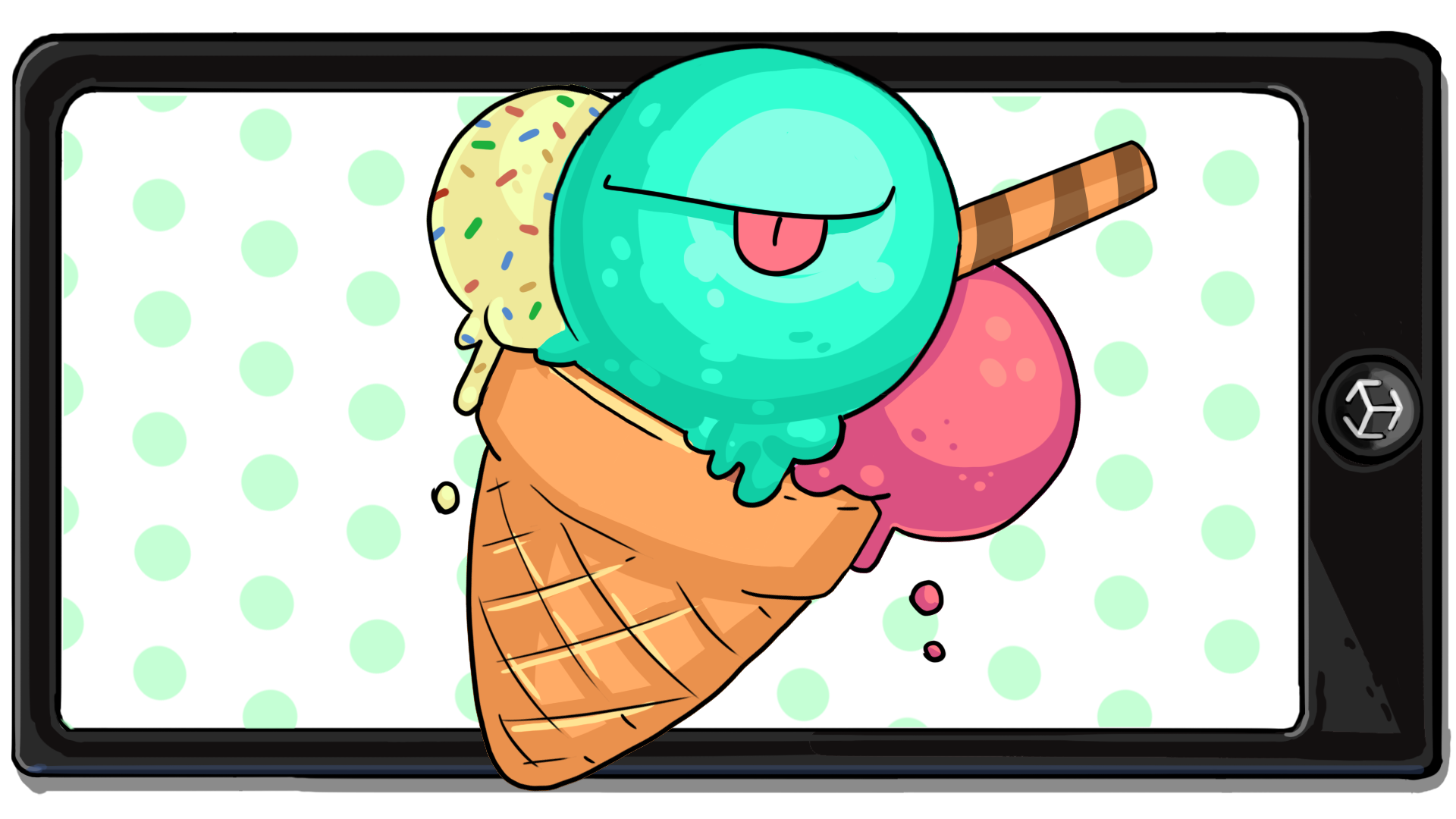
Businesses will often use AR experiences for promotional or marketing purposes. These experiences allow users to engage with a brand or service in a fun, engaging way.
In this challenge, you’ll create an AR face filter experience for an imaginary ice cream company.
Resources
Languages available:
1. Overview
Now you’ve explored a range of different features you can add to an AR filter app, you’re ready to create your own app in response to a project brief. A project brief is a document that summarizes a project and outlines its core requirements.
As an AR creator, clients will often provide you with a project brief. Then it is up to you and your team to build what has been requested. If you’re a hobbyist creator, briefs can still be very useful — they’re a great way to summarize the goals and requirements of your project.
In this challenge, you’ll create an AR face filter experience for an imaginary ice cream company.
2. How are project briefs used in the industry?
A project brief operates as a single source of truth for everyone working on a project. Without one, you’re almost certain to have misunderstandings, inefficiencies, and frustrations during development.
This learning project is designed to simulate the experience of working with a project brief.
Before you explore the project brief for this challenge, learn from our established creators about the role project briefs play in the industry:
3. Project brief: Ice cream company filter
A local ice cream company is creating an app to advertise its grand opening. You’ve been tasked with creating a fun AR filter that can be included in the app.
You’ve been given the following brief:
“We’d like the filter to be fun for all ages to use. Our company offers practically every popular ice cream flavor and topping, and we hope to become well known for our large waffle cones. Our only requirement is that we’d like the filter to fit within the company color palette. We’re located next to a beach that is well known for paddle boarding and snorkeling. Our founder has a pet tortoise that will have an enclosure at the shop so people can visit with them!”
Photo by Martyna Bober on Unsplash
Photo by David Cadenas on Unsplash
Photo by: Thom Bradley on Burst
The company color palette
The hexadecimal (hex) codes for these colors are as follows:
- Pink: #ffaebc
- Blue: #a0e7e4
- Green: #b3f8c8
- Yellow: #fbe7c6
Below is an example of the type of project you might make to fulfill these requirements, though yours could be completely different.
4. Submission requirements
To successfully complete this challenge, you must meet the following requirements:
1. Design a face filter that matches the mood of the ice cream shop. The company has given you a lot of creative freedom, but remember the following two key requirements:
- The filter must use the company color palette.
- The filter must be appropriate for all ages.
2. The filter can look however you like, but must include at least two of the following features:
- A 3D mesh component
- An animation
- A face texture
- A particle effect
- A post-processing effect
3. The filter assets can be created by you, found on the Unity Asset Store, or be modified assets from earlier projects.
5. Submit your work
After you’ve fulfilled the requirements, please submit and share your project! Before you do, though, make sure you’ve thoroughly tested it — or even better, ask a friend or family member to test it too.
Follow these instructions to submit your project:
1. Take a screenshot of your project or take a screen-recording of the filter.
2. Add a submission title and description. Make sure to include the video recording. If you have additional details to share about your process or the project that you have created, you can share them in the description too.
3. Set who can view your submission:
- Public: Anyone who views this tutorial.
- Private: Just you.
Note: If you aren’t comfortable recording your own face for the submission, you can point the camera at this illustrated face instead. AR Foundation registers this illustration as a valid face and will display your filters.
4. Select Save and preview submission.
5. Check your submission preview and then complete the CAPTCHA test and select Submit and continue.
We highly recommend that you comment on at least one other creator's submission. Did they successfully complete the challenge? What do you like about the project? What would be a cool new feature they might consider adding?
Please login to submit
Complete this Tutorial
Submission Gallery

Pastel Sprinkles & Ice Cream Cone AR Filter
Project Overview: This AR Face Filter was designed for a fun, vibrant ice cream shop theme suitable for all ages. The design uses a sweet pastel color palette featuring mint green, strawberry pink, banana yellow, and waffle brown accents. Key Requirements Met: 1. Company Color Palette: Used pastel colors across all materials and textures. 2. All-Ages Appropriate: Clean, sweet, family-friendly visual aesthetic. 3. Feature 1 (Face Texture): Custom cheek blush, smile, and colorful macaron candies mapped onto the face. 4. Feature 2 (3D Mesh Component): Built a 3D stacked ice cream cone headpiece sitting on top of the head. Process & Testing: Designed the face texture PNG, constructed the 3D stacked ice cream cone in Unity using 3D primitives, mapped the face material, and verified 3D positioning and mesh anchors.

AR Face Filter
This project is an interactive Mobile AR Face Filter application developed as part of the Unity Learn Mobile AR Development Pathway. The application explores face tracking technology and real-time augmented reality effects, allowing virtual elements to be accurately attached and tracked on a user's face. Key features include: • Face Tracking: Detects and tracks facial features in real time using AR technology. • AR Face Filter: Attaches virtual 3D elements to the user's face, creating an interactive augmented reality filter experience. • AR Foundation Integration: Utilizes Unity's AR Foundation framework for cross-platform augmented reality development. • Real-Time Tracking: Virtual assets dynamically follow facial movement, position, and orientation. • Mobile AR Experience: Designed to run on compatible mobile devices using the device camera and AR capabilities. Built using Unity, AR Foundation, XR Plug-in Management, and AR Face Tracking technologies. This project was created as part of my journey in exploring Mobile Augmented Reality development and gaining hands-on experience with Unity's AR development ecosystem.

Ice Cream Company AR Filter - Interactive Experience
This project is an interactive Mobile AR Filter application developed as part of the Unity Learn Mobile AR Development Pathway. The application is designed for an Ice Cream Company to engage users through augmented reality. Key features include: • Plane Detection: Accurately scans environment surfaces to place virtual objects. • AR Foundation Integration: Utilizes Unity's AR Foundation to ensure cross-platform compatibility. • Interactive 3D Assets: Features high-quality ice cream models that users can place and interact with. • Real-time Lighting: Matches ambient environmental light for realistic asset rendering. Built using Unity, AR Foundation, and the XR Plug-in Management system.

Turtles Spinning and Ice cream
Filtro AR hecho en Unity, que no solo muestra el amor que tiene la gente por el helado, si no que la tortuga giratoria llenera atencion inmediante en el espectador, al ser algo fuera de la norma.

Filtro de Tortuga Benjamín Ramírez
"Este filtro interactivo fue desarrollado tomando como inspiración el encanto visual de las tortugas y el elemento lúdico del helado. Mediante una cuidadosa selección cromática, el objetivo del diseño fue estructurar una estética armónica que ofrezca al usuario una experiencia atractiva, cálida y entrañable"

Ice cream and turtles make you dream and smile
Ice cream makes you smile and blush, while turtles make you dream.