
Challenge: Configure the Global Volume
Tutorial
Beginner
+10XP
15m
(37)
Unity Technologies
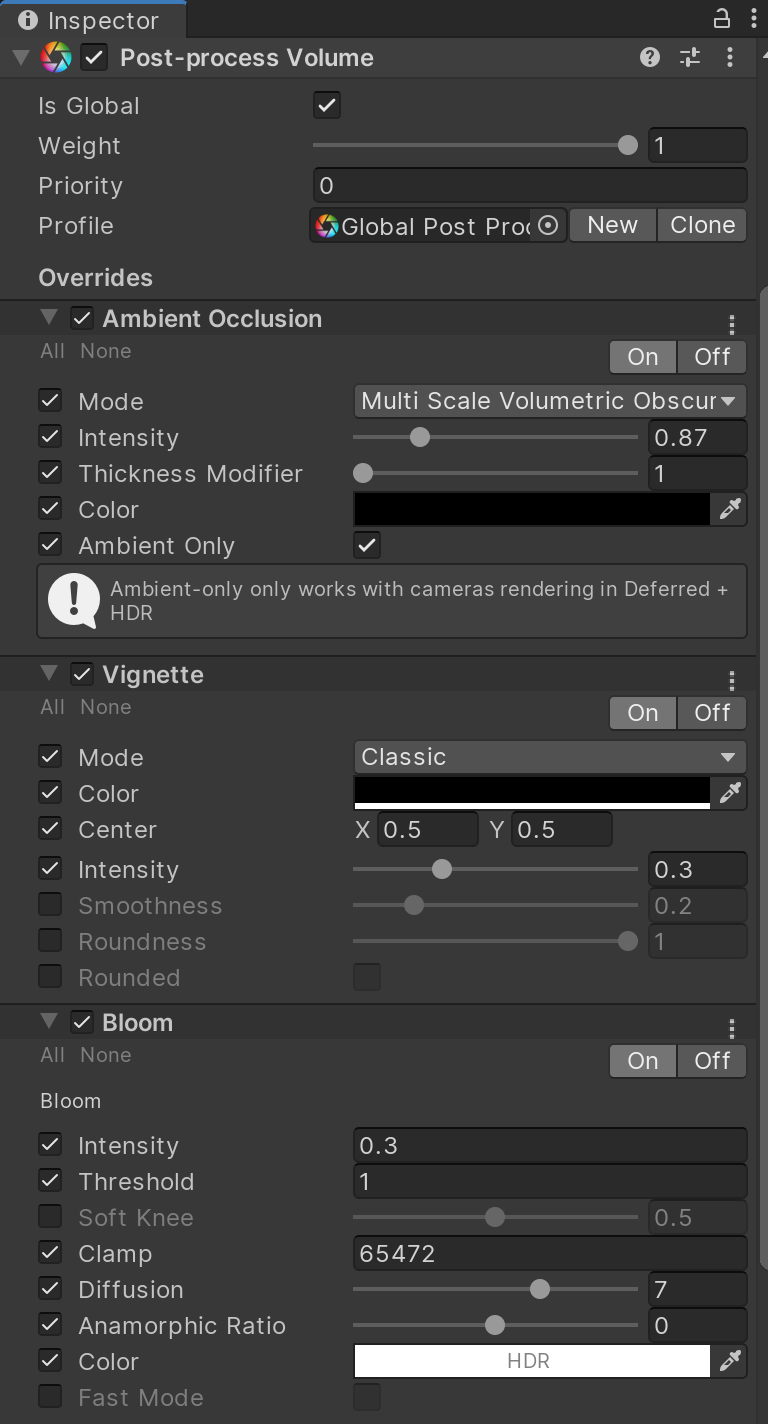
In this exercise, you will configure the Global Volume
1. Configuring the Global Volume
To see the Post Processing effects take place, configure the Global Volume’s Profile to use a set of desired effects.
1. With the Global Post Processing Volume GameObject selected, create a new Post Processing Profile
2. Add and configure a few Post Processing Effects:
a. Ambient Occlusion
b. Bloom
c. Vignette