
Week 6 | Session 5 - Swap Out Your Assets - May 1, 2020
Exercise
Beginner
+10XP
1h
Unity Technologies
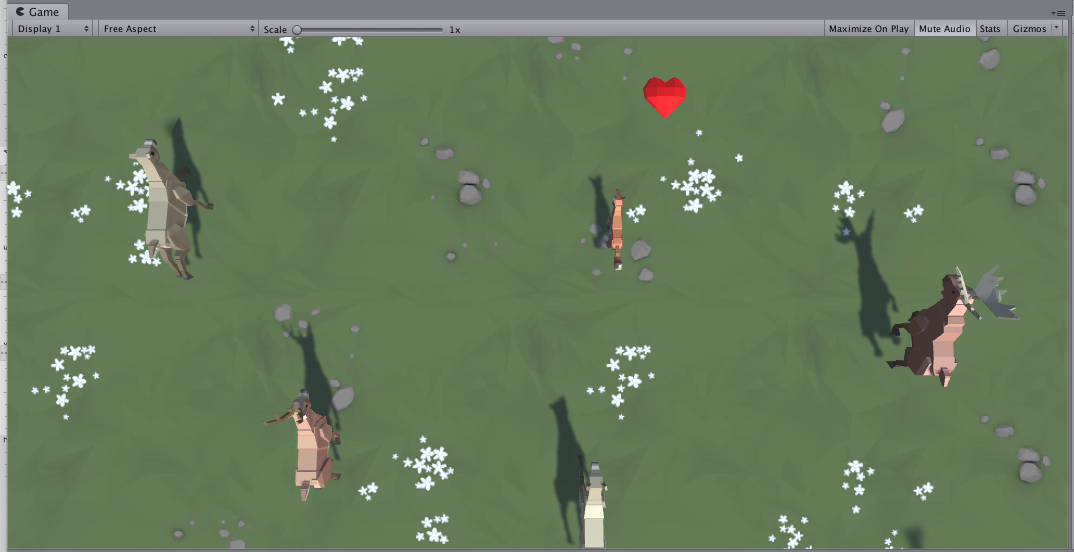
In this live lab session, you will finally replace those boring primitive objects with beautiful dynamic ones. You will either use assets from the provided course library or browse the asset store for completely new ones to give your game exactly the look and feel that you want. Then, you will go through the process of actually swapping in those new assets in the place of your placeholder primitives. By the end of this lab, your project will be looking a lot better.
1. Overview
This is the same content covered in Lab 5 in the independent Create with Code Course.
What you will make:
- All primitive objects are replaced by actual 3D models, retaining the same basic gameplay functionality.
What you will learn how to:
- Browse the asset store to find the perfect assets for your project
- Use Nested Prefabs to swap out placeholder objects with real assets
- Adjust material settings to get the resolution and look you want
2. Before you Begin
To participate in this session and follow along, you need:
- Unity 2018.4 installed
If this is your first Create with Code live learning session, you can catch up by:
- Following along with the recordings of our previous live learning sessions
- Completing the same lessons in the independent Create with Code Course
*Note - it is not necessary for you to catch up, but it is recommended for an ideal learning experience.
3. Recorded Live Session - 1st May - 9am PST
If you missed this session, you can catch up with the video below.
4. Recorded Live Session - 1st May - 5pm PST
If you missed this session, you can catch up with the video below.
5. Next Steps
Get caught up:
If you were not able to finish the session along with the instructors, you can catch up by:
- Re-watching this recorded session when it is posted in Step 3 above at 3am PT (10am UCT) the morning after this session's date
- Picking up where you left off in Lab 5 of the independent Create with Code Course
Bonus Challenges:
- Quiz
- Complete the quiz for Unit 5 on Learn
- Personal Project (after making a backup)
- Continue working on your personal project and share it below
- Look ahead to next week
- Preview Lesson 6.1 on Project Optimization in the full
Create with Code Course
- Preview Lesson 6.1 on Project Optimization in the full
6. Share your Project
We would love to see what you've come up with in your project! Please take a screenshot of views of your project or do a screen-recording walking us through it, then post it here to share your creation.
Please login to submit
Complete this Tutorial
Submission Gallery

Boat Escape
Boat game in progresse :)

uCATiliser
Add a little bit assets

Running jump prototype
Pretty basic early setup with an animated player. Players can knock others over and jump

The work on project continues
Stay tuned. Try the protorype here: https://connect.unity.com/mg/other/hoverballcup

Speak of the devil
Did in hurry not exactly what I wanted from the game:)

Get-In
Play Here: https://connect.unity.com/mg/other/get-in-f5 Still in development. You control a circular vehicle (Gear); You must get to the center of the big gear.