
Bonus Features 4 - Share your Work
Exercise
Beginner
+60XP
1h
Unity Technologies

In this tutorial, you can go way above and beyond what you learned in this Unit and share what you’ve made with your fellow creators.
There are four bonus features presented in this tutorial marked as Easy, Medium, Hard, and Expert. You can attempt any number of these, put your own spin on them, and then share your work!
This tutorial is entirely optional, but highly recommended for anyone wishing to take their skills to a new level.
Languages available:
1. Overview
This tutorial outlines four potential bonus features for the Sumo Battle Prototype at varying levels of difficulty:
- Easy: Harder enemy
- Medium: Homing rockets
- Hard: Smashingly good
- Expert: Boss battle
Here’s what the prototype could look like if you complete all four features:
The Easy and Medium features can probably be completed entirely with skills from this course, but the Hard and Expert features will require some additional research.
Since this is optional, you can attempt none of them, all of them, or any combination in between.
You can come up with your own original bonus features as well!
Then, at the end of this tutorial, there is an opportunity to share your work.
We highly recommend that you attempt these using relentless Googling and troubleshooting, but if you do get completely stuck, there are hints and step-by-step solutions available below.
Good luck!
2. Easy: Harder enemy
Add a new more difficult type of enemy and randomly select which is spawned.
3. Medium: Homing rockets
Create a new powerup that gives the player the ability to launch projectiles at enemies to knock them off (or something that automatically fires projectiles in all directions when the powerup is enabled).
4. Hard: Smash attack
Create a new powerup that allows the player to hop up into the air and smash down onto the ground, sending any enemies nearby flying away from the player. Ideally, the closer an enemy is, the more it should be impacted by the smash.
5. Expert: Boss battle
After a certain number of waves, program a mini “boss battle,” where the boss has some completely new abilities. For example, maybe the boss can fire projectiles at you, maybe it is extremely agile, or maybe it occasionally generates little minions that come after you.
6. Hints and solution walkthrough
Hints:
- Easy: Harder enemy
- Try using an array for the enemy prefabs.
- Medium: Homing rockets
- Try using an enum to differentiate the power ups
- Hard: Smashingly good
- Extend the enum you created in the previous challenge
- Expert: Boss battle
- Create a new SpawnBossWave function that only runs if the wave number is a multiple of a particular value.
Solution walkthrough
If you are really stuck, download the step-by-step solution walkthrough.
Note that there are likely many ways to implement these features - this is only one suggestion.
7. Share your work
Have you implemented any of these bonus features? Have you added any new, unique features? Have you applied these new features to another project?
We would love to see what you've created!
Please take a screenshot of your project or do a screen-recording walking us through it, then post it here to share what you’ve made.
We highly recommend that you comment on at least one other creator's submission. What do you like about the project? What would be a cool new feature they might consider adding?
Please login to submit
Complete this Tutorial
Submission Gallery
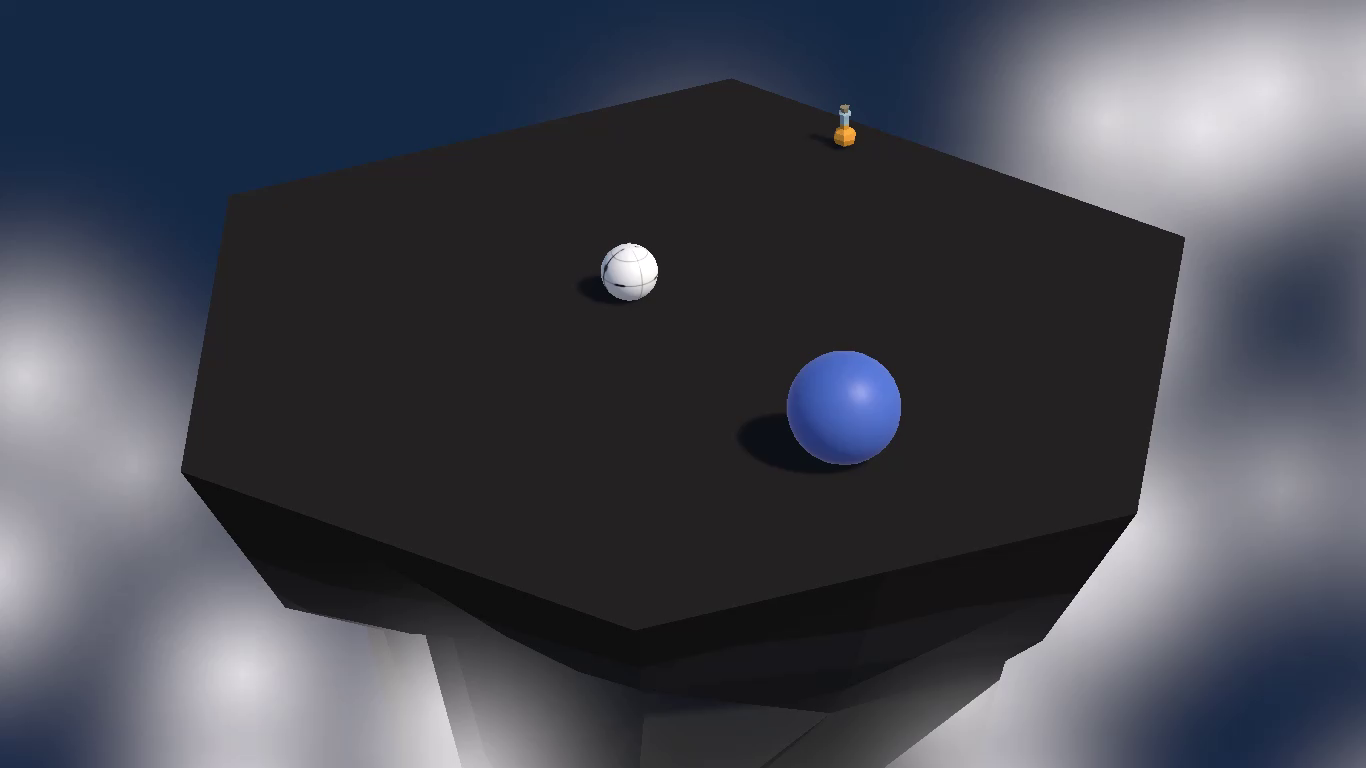
King of the island
Be the one last standing at the island. There are 3 types of bonuses, 2 types of enemies and the Boss fight.

Challenge results
Results
Prototype 4
Avoid the spheres while staying on the platform.
Sumo Balls
Sumo Balls with all challenges + some extras like music, sound and some effects. The first 6 Waves are fixed, afterwards more enemies will spawn random and the amout of enemies will be increased every wave. Player Abilities: - Slam attack - Homing missles - Knockback - An extra live Boss Abilities: - Ring missles - Homing missles - Minion spawn
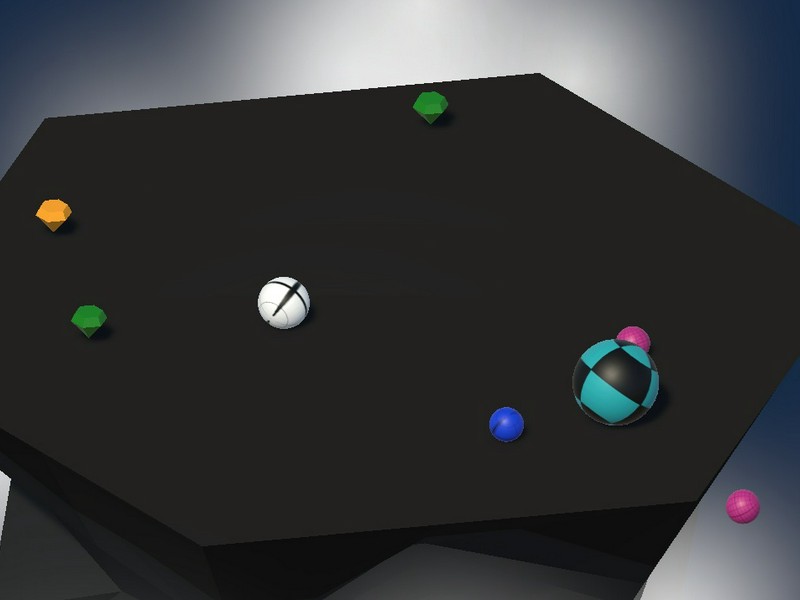
Sumo Ball
Prototype 4 Sumo Ball Bonus Challenge Screenshot *I am very bad at playing this game! :-(
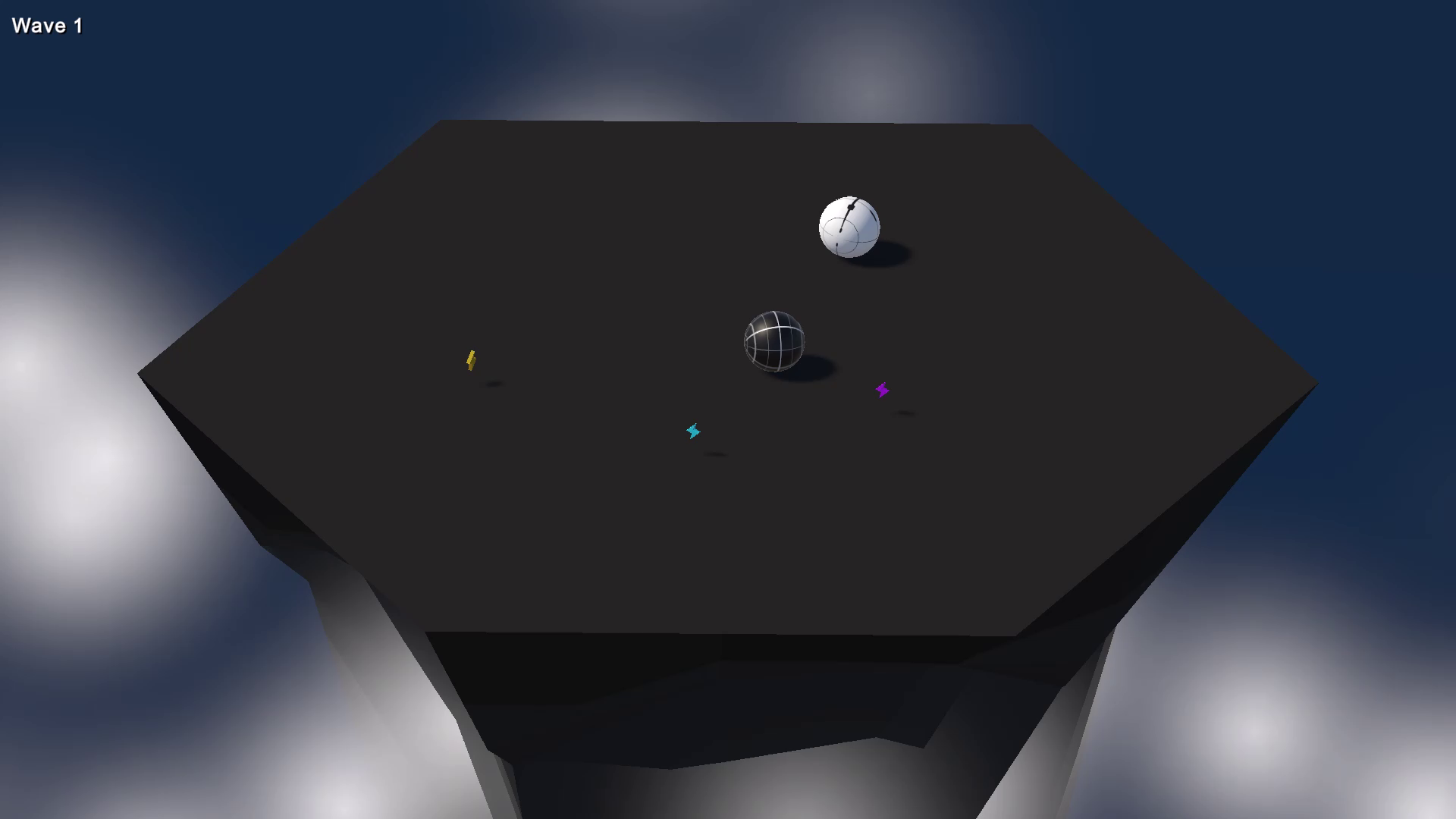
Sumo Ball
This is my Game!