
Challenge: Configure the Global Volume
Tutorial
Beginner
+10XP
15 mins
(36)
Unity Technologies
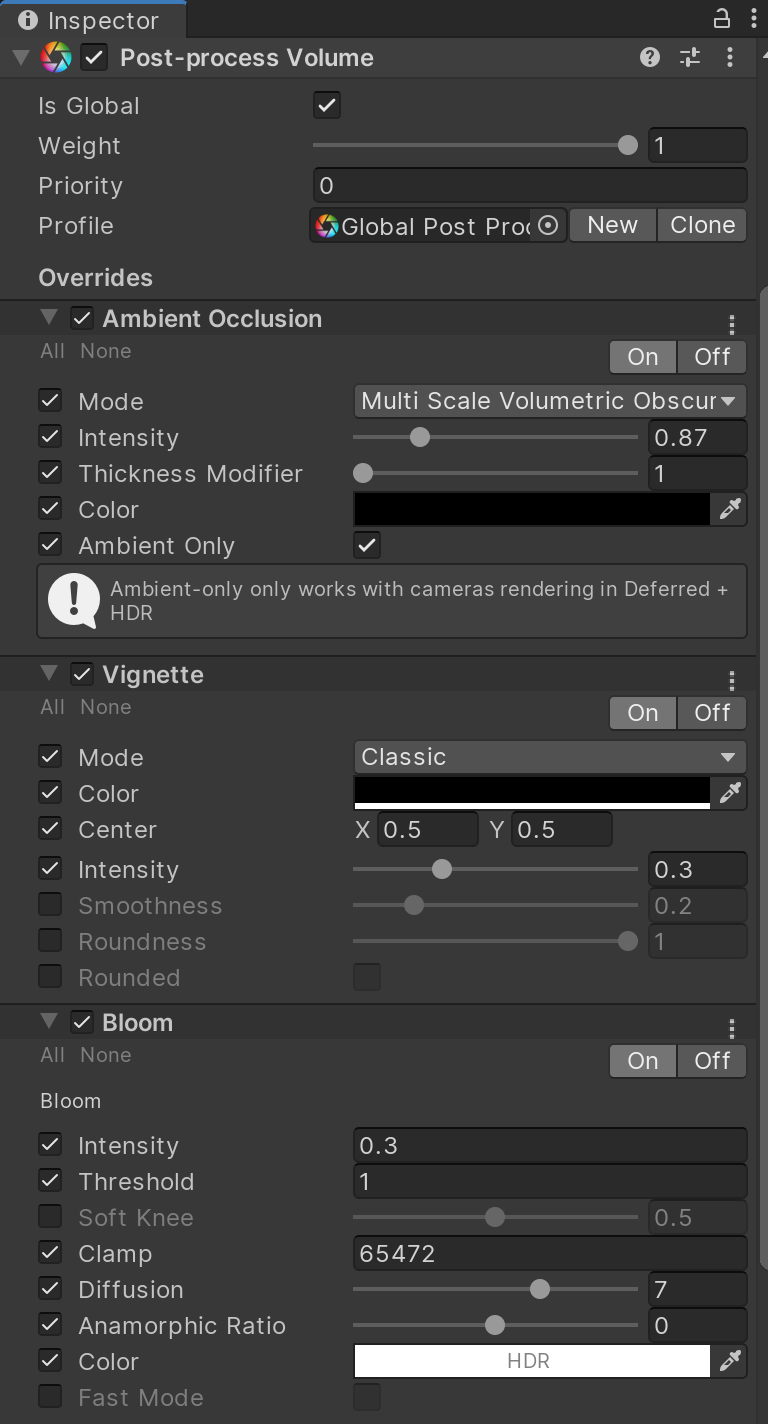
In this exercise, you will configure the Global Volume
Languages available:
1. Configuring the Global Volume
To see the Post Processing effects take place, configure the Global Volume’s Profile to use a set of desired effects.
1. With the Global Post Processing Volume GameObject selected, create a new Post Processing Profile
2. Add and configure a few Post Processing Effects:
a. Ambient Occlusion
b. Bloom
c. Vignette