
Sound Effects & Scripting
Tutorial
Beginner
+0XP
50m
(99)
Unity Technologies
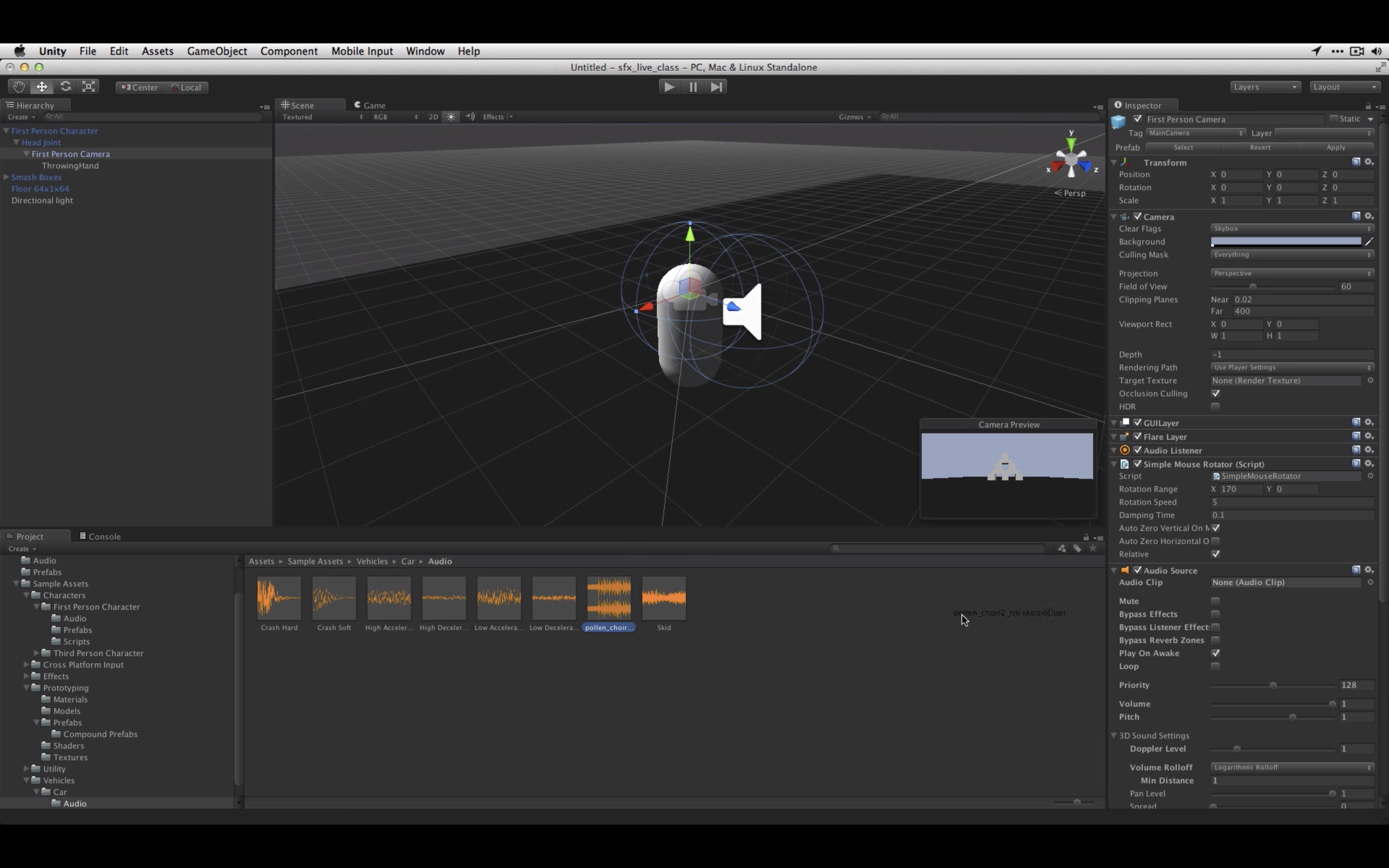
In this recorded training session from November 2014, we demonstrate how to add sound effects to your game that are triggered by game events, using C# scripting. We also review the main audio components of Unity: Audio Listeners, Audio Sources and Audio Clips.
Languages available:
1. Sound Effects & Scripting - Live Training from November 17th, 2014
This script instantiates a projectile prefab and plays a sound with randomized volume.
ThrowObject
using UnityEngine;
using System.Collections;

public class CrashSound : MonoBehaviour {

    public AudioClip crashSoft;
    public AudioClip crashHard;


    private AudioSource source;
    private float lowPitchRange = .75F;
    private float highPitchRange = 1.5F;
    private float velToVol = .2F;
    private float velocityClipSplit = 10F;


    void Awake () {

        source = GetComponent<AudioSource>();
    }


    void OnCollisionEnter (Collision coll)
    {
        source.pitch = Random.Range (lowPitchRange,highPitchRange);
        float hitVol = coll.relativeVelocity.magnitude * velToVol;
        if (coll.relativeVelocity.magnitude < velocityClipSplit)
            source.PlayOneShot(crashSoft,hitVol);
        else
            source.PlayOneShot(crashHard,hitVol);
    }

}