
Submit your final project
Exercise
intermediate
+60XP
1h
Unity Technologies
In this final checkpoint, you will submit your “Clone with a Twist” project in order to earn your VR Development badge and complete the pathway.
Languages available:
1. Overview
In this final checkpoint, you will submit your Clone with a Twist project in order to earn your VR Development badge and complete the pathway.
2. Submit your project
To complete this mission and earn your VR Development badge, please submit your portfolio project. Sharing is optional, but it’s a great way to get feedback from your fellow learners!
Important: This submission is required to complete the VR Development pathway and receive your badge.
To submit your project, complete the following steps:
1. It may have been quite some time since you initially read the requirements for this project, so take a moment to review the criteria in the Clone with a twist tutorial. Remember, there’s no deadline for submissions; you can take all the time that you need to make sure you’ve met the requirements.
2. Check your published build one final time.
3. Record a video demonstrating your VR project.
4. Add a submission title and description. Include the video recording and the link to your repository or devlog in your submission. If you have additional details to share about your process or the project that you have created, you can share them in the description too.
5. Set who can view your submission:
- Public: Anyone who views this tutorial.
- Private: Just you.
6. Select Save and preview submission.
7. Check your submission preview and then complete the CAPTCHA test and select Submit and continue.
Please login to submit
Complete this Tutorial
Submission Gallery

VR
VR
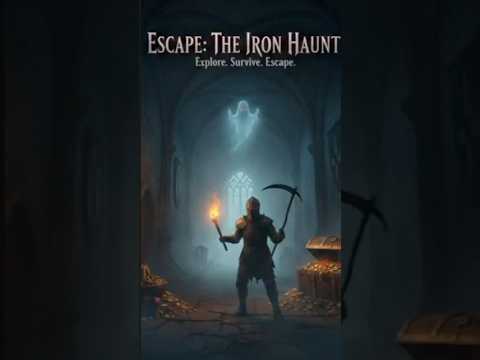
Escape: The Iron Haunt
A VR horror game where you have to escape from a haunted manor.
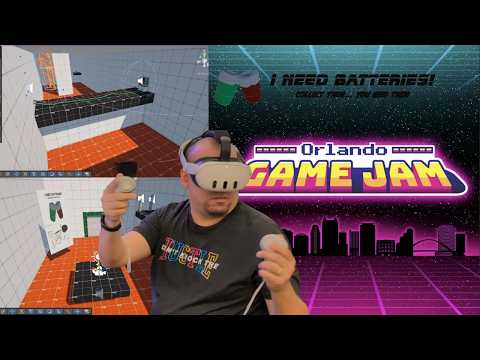
I need Batteries!
I Need Batteries! is my submission for the 2026 Orlando Game Jam. In this VR experience, you pilot a jetpack using dual-controller mechanics. The left controller handles thrust and movement, letting you fly freely through the environment, while the right controller is used to poke, grab, and interact with objects in the world. Navigate through dynamic obstacles like gusts of wind, buttons, and levers as you search for scattered batteries. Your objective is to collect the batteries and place them into the correct compartment to power a switch. Once activated, the switch triggers powerful wind currents that lift you toward the final goal.
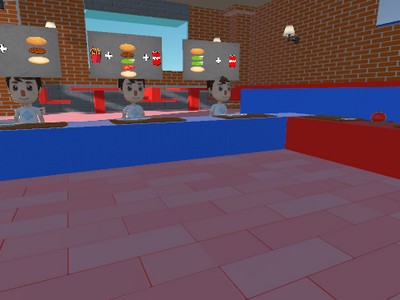
VR Cooking Game
Assemble orders, cook burgers and fries, and satisfy your clients to keep your VR fast food restaurant running

“Ceci ne pas un pipe”
A VR Simulator where one can spawn pipes and attach them together.

homework
homework