
UGUI Layout Performance Considerations
Tutorial
Beginner
+10XP
10 mins
(23)
Unity Technologies
In this tutorial, we’ll discuss when to use Layout Groups and how to disable them via a Script when they are no longer needed.
Languages available:
1. Introduction
You can’t always predict the size of your UI. Sometimes components must be added and removed during run time, like in the case of an in-game inventory. Other times, you simply want to create and control menus without having to manually reposition each component. Layout components make it easy to position new UI components relative to each other. While Unity’s layout system can accommodate such changes, it, unfortunately, does so at a cost.
A layout must be rebuilt each time it’s modified. So, when layouts are combined with animation, it impacts performance, much like dynamic UI components that are not batched in a Nested Canvas setup. Therefore it’s best to not have animation when using layout components.
In this tutorial, we’ll discuss when to use Layout Groups and how to disable them via a Script when they are no longer needed.
2. Disabling Layout Groups
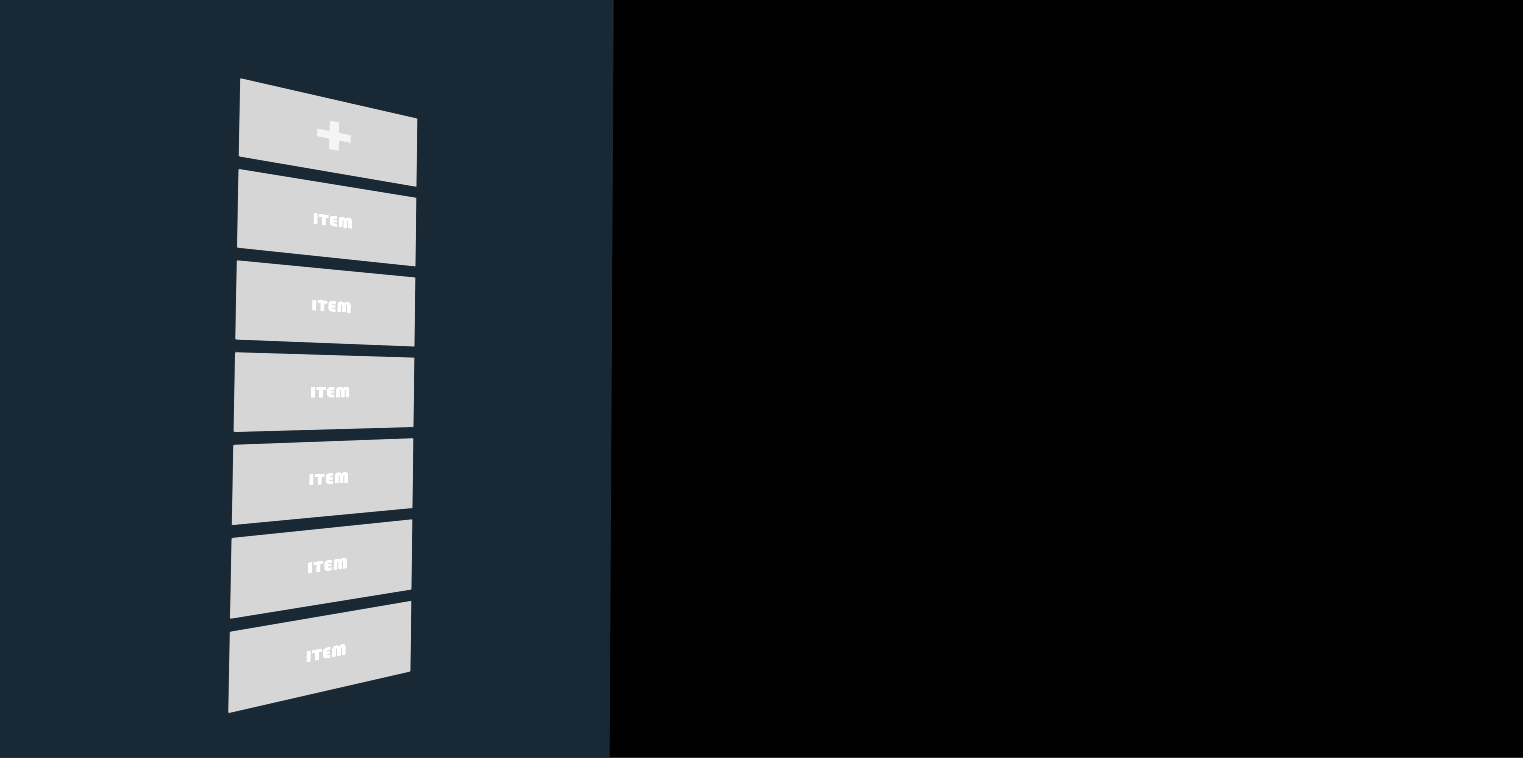
Imagine we have an in-game menu that’s arbitrarily confined to only six slots (Figure 01). For the purposes of this tutorial, imagine that we would never want to remove items from the menu, only add them.
While the layout will automatically create a new slot when we wish to populate the menu, there is no need to keep the Layout enabled once we’ve reached our cap of six (Figure 02).
Disabling the Layout Group is simple, and won’t interfere with the items that already populate our menu.
- Within your UI script, create a global variable called Counter and initialize it to 1.
- Each time a new component is added to the UI, increase Counter by one.
- Once Counter has reached six (or whatever limit you choose), create a condition in which you disable the Layout Group component.
The pseudocode for disabling the Layout Group can be found below. Note: We are operating under the assumption that this script is attached to GameObject with the Layout Group attached.
public void addNewSlot()
{
    if (components <= MAX_componentS)
    {
        //Instantiate a new button and
        //Parent it to the GameObject with the Layout Group
        // ...
        components++;
    }
    else
    {
         disableLayoutGroup();
    }
}

public void disableLayoutGroup()
{
        this.GetComponent<LayoutGroup>().enabled = false;
}