
Week 3 | Session 4 - Spawn Animals at Intervals - April 9, 2020
Exercise
Beginner
+10XP
1h
Unity Technologies
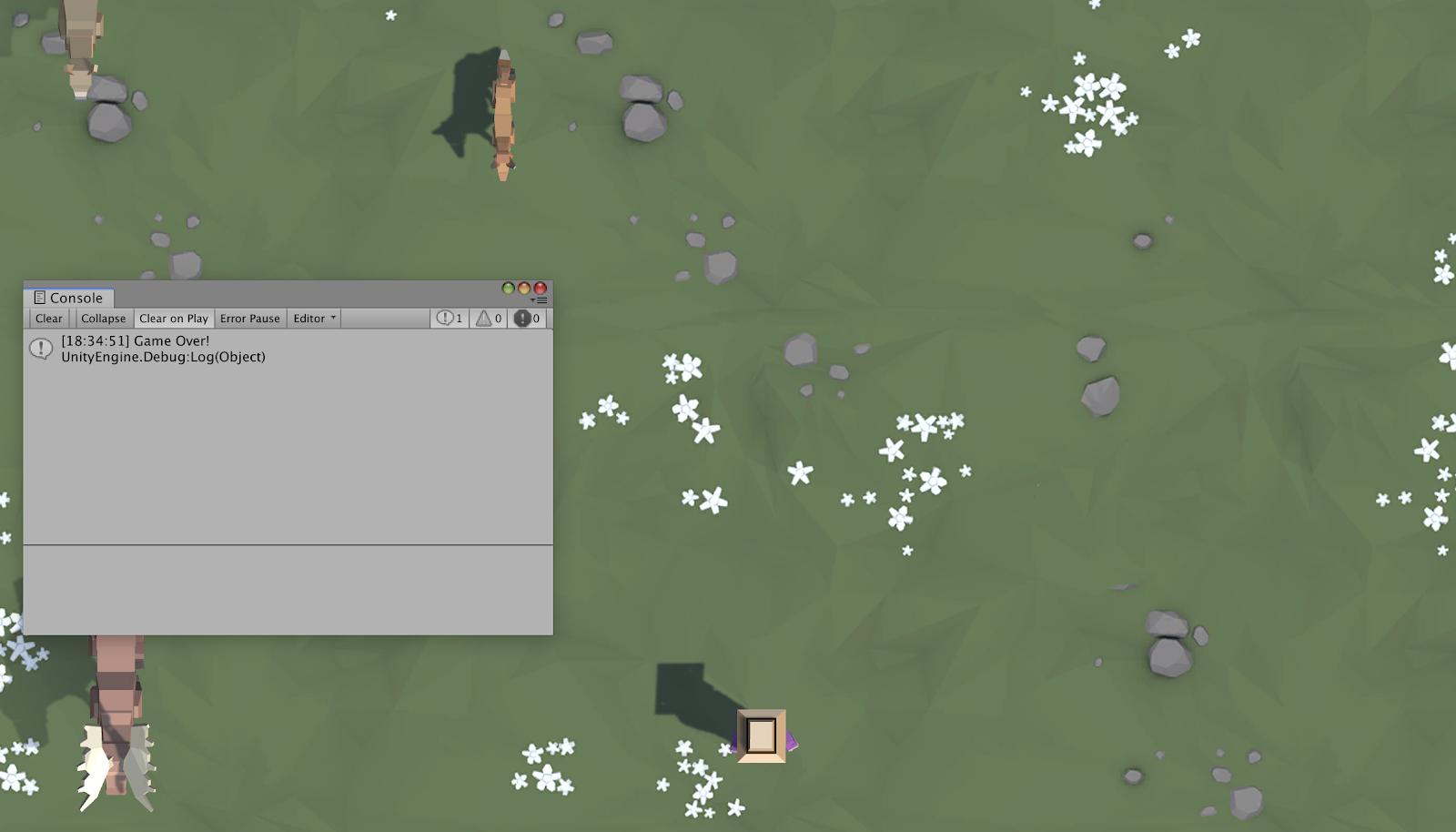
Our game is coming along nicely, but there are are some critical things we must add before it’s finished. First off, instead of pressing S to spawn the animals, we will spawn them on a timer so that they appear every few seconds. Next we will add colliders to all of our prefabs and make it so launching a projectile into an animal will destroy it. Finally, we will display a “Game Over” message if any animals make it past the player.
Resources
Languages available:
1. Overview
This is the same content covered in Lesson 2.4 in the independent Create with Code Course.
What you will make:
- The animals will spawn on a timed interval and walk down the screen, triggering a “Game Over” message if they make it past the player. If the player hits them with a projectile to feed them, they will be destroyed.
What you will learn:
- Repeat functions on a timer with InvokeRepeating
- Write custom functions to make your code more readable
- Edit Box Colliders to fit your objects properly
- Detect collisions and destroy objects that collide with each other
- Display messages in the console with Debug Log
2. Before you Begin
To participate in this session and follow along, you need:
- Unity 2018.4 installed
- An up-to-date project open in Unity:
- If you have followed along with us this week and have your own project ready, you are good to go!
- You can also download the instructor's up-to-date project and import it (If you don't know how to import a project, you can read how here)
If this is your first Create with Code live learning session, you can catch up by:
- Following along with the recordings of our previous live learning sessions
- Completing the same lessons in the independent Create with Code Course
*Note - it is not necessary for you to catch up, but it is recommended for an ideal learning experience.
3. Recorded Live Session - 9th April - 9am PST
If you missed this live session, you can catch up with the video below:
4. Recorded Live Session - 9th April - 5pm PST
If you missed this live session, you can catch up with the video below:
5. Next Steps
Get caught up:
If you were not able to finish the session along with the instructors, you can catch up by:
- Re-watching this recorded session when it is posted in Step 3 above at 3am PT (10am UCT) the morning after this session's date
- Picking up where you left off in Lesson 2.4 of the independent Create with Code Course
Optional homework:
- Display the total number of animals that have been fed in the console
- Complete the "Play Fetch" challenge from the full Create with Code course
Extra credit:
If you want to go ahead and preview what we'll be covering in the next session, you can give it a try in Lab 2 of the independent Create with Code Course.
6. Share your Modified Challenge or Prototype
If you went above and beyond and modified the challenge or prototype from this week, take a screenshot or screen-recording and post it here to share what you made! Please also share with us some of the "behind-the-scenes" info regarding how you did it.
Please login to submit
Complete this Tutorial
Submission Gallery

some ideas
prototype

Feed The Dogs
Exercise of the week, thanks a lot!! Play at https://play.unity.com/mg/other/feed-the-dogs-1

Play Fetch challenge completed :)
good doggo gets to fetch colorful balls falling from the sky.

Hungry Dogs
Play my game here: https://play.unity.com/mg/other/hungry-dogs-1

prototype 2 perspective
rotated the camera and gave it more field of view. Also repaired the sides making the animals appear inside a smaller X-range.

Prototype "Drunk Animals" + Challenge
farmer give wine bottle to animal and they die from alcohol overdose or Alcohol poisoning