
VB test
Tutorial
foundational
+5XP
1h
Unity Technologies
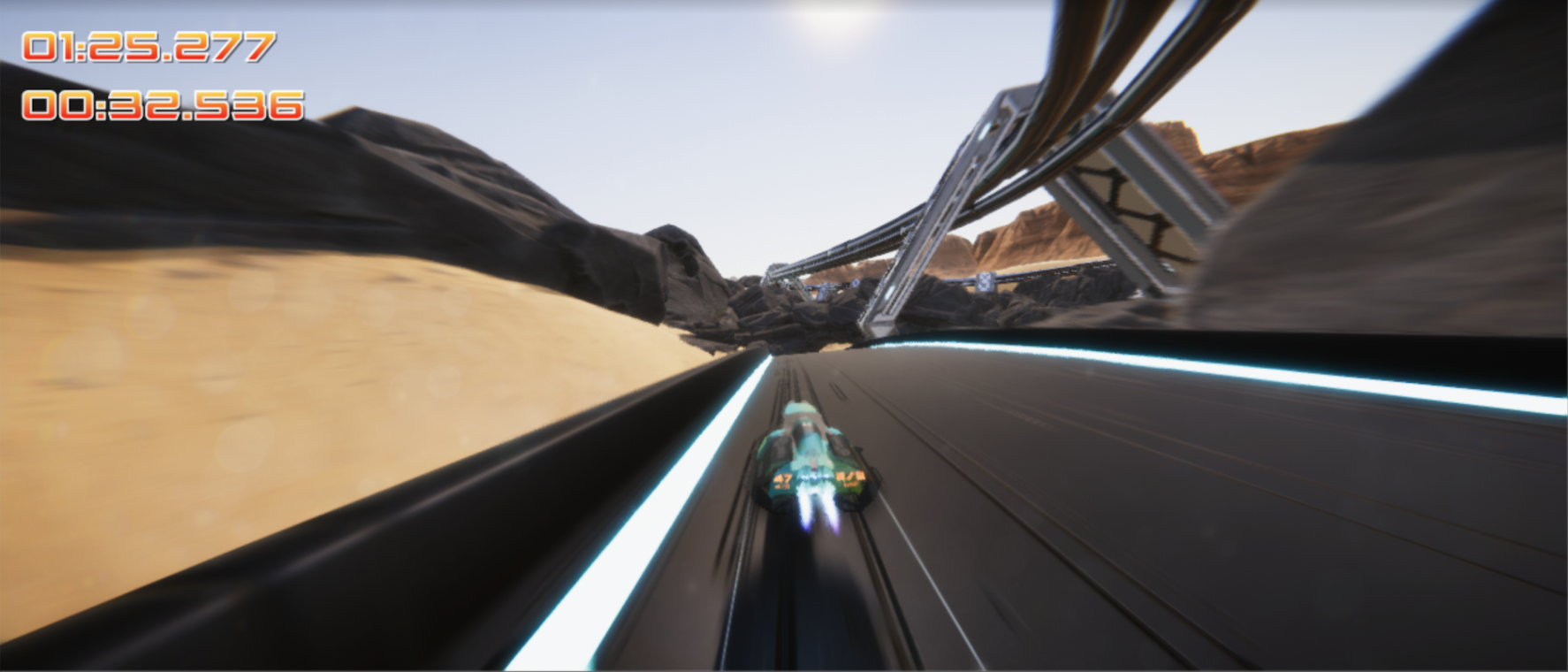
This is a test
1. Versioning Test
This is the 2020.3 version of this tutorial.
And here is a YouTube video:
2. Space test
This is version 2021.1!
I am editing text and I want paste something here, between these parens[]. ( include new content )
This is a blockquote. I wonder how it will look.
// This is a code block.Please try
(I am editing text and I want paste something here, between these parens.) <--Pasted from tutorial
( Neal says it doesn't happen for him on his Mac. ) <-- Pasted from outside of tutorial
(Video file upload flexibility)
Now I will paste a whole paragraph.
- Mention physics briefly, just to say it all works the same, use Rigidbody 2D -- work this in
- Add basic Sprite Editor following asset importing
- Automatic slicing
- Automatic
Spriteanimation - Automatic Colliders
- Mention physics briefly, just to say it all works the same, use Rigidbody 2D -- work this in
- Add basic Sprite Editor following asset importing
- Automatic slicing
- Automatic
Spriteanimation - Automatic CollidersHeading 1
Heading 2 immediately after Heading 1
Regular paragraph after Heading 2
Next regular paragraph
Heading 1
Regular paragraph after Heading 1
Next regular paragraph
- Mention physics briefly, just to say it all works the same, use Rigidbody 2D -- work this in
- Add basic Sprite Editor following asset importing
- Automatic slicing
- Automatic Sprite animation
- Automatic Colliders
Next regular paragraph
3. Step Title
Heading 1
Regular text.
|Column1 | Column2 |
----------------------
|Cell1 | Cell2 |
<table><tr><td>Hello!</td></tr></table>
<table><tr><td>Hello!</td></tr></table>
hi there
Heading 2
Regular text.
💡
4. Markdown test
### Hello
|Column1 | Column2 |
----------------------
|Cell1 | Cell2 |