
Input Action Editor
Tutorial
Beginner
+10XP
10m
(14)
Unity Technologies
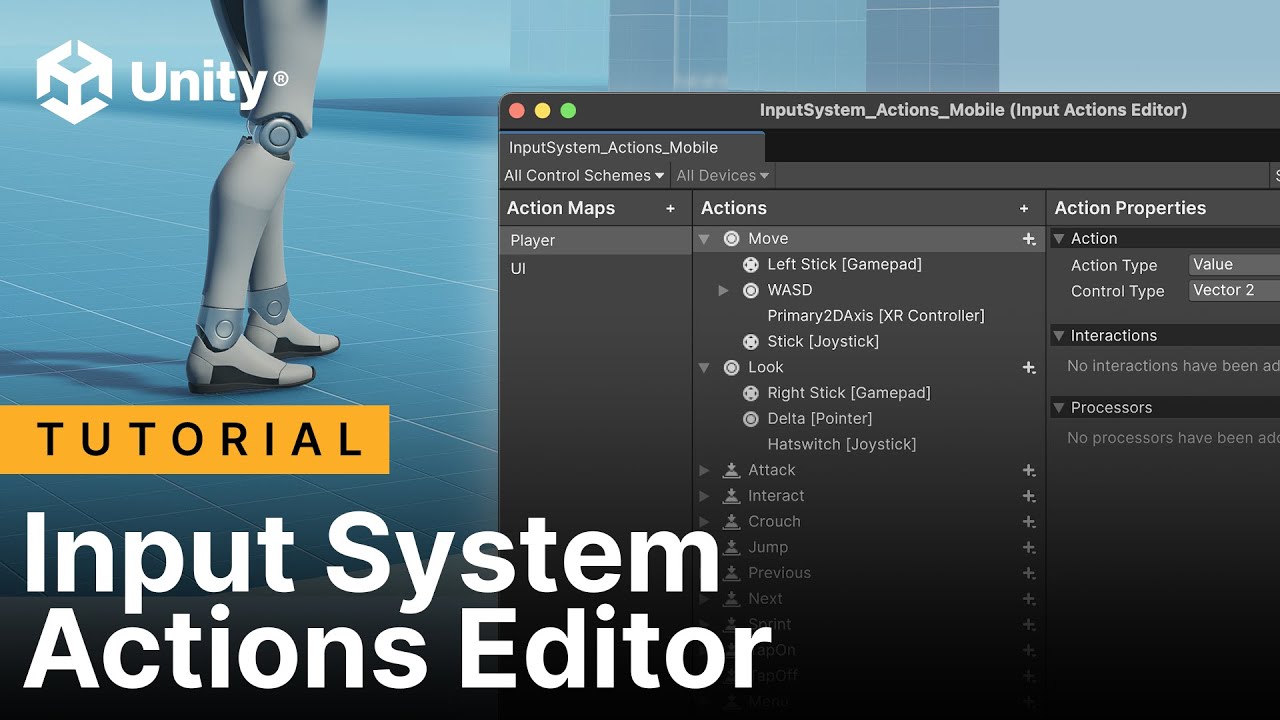
In this first tutorial in the Input System course, we’ll show you how to get started with Unity’s Input System and introduce some of its core concepts. You’ll learn how to install the Input System into your project, understand the concept of Input Actions, and how to use the Input System Actions Editor to bind them to various inputs, such as keys, gamepad buttons, and mouse axes. We’ll also explore how Interactions define when an input action is triggered (e.g., press, hold, or release) and how Processors can modify or transform raw input data before it’s used (e.g., normalizing, inverting, or clamping values).