
Player Input Manager and local multiplayer
Tutorial
Beginner
+10XP
15m
Unity Technologies
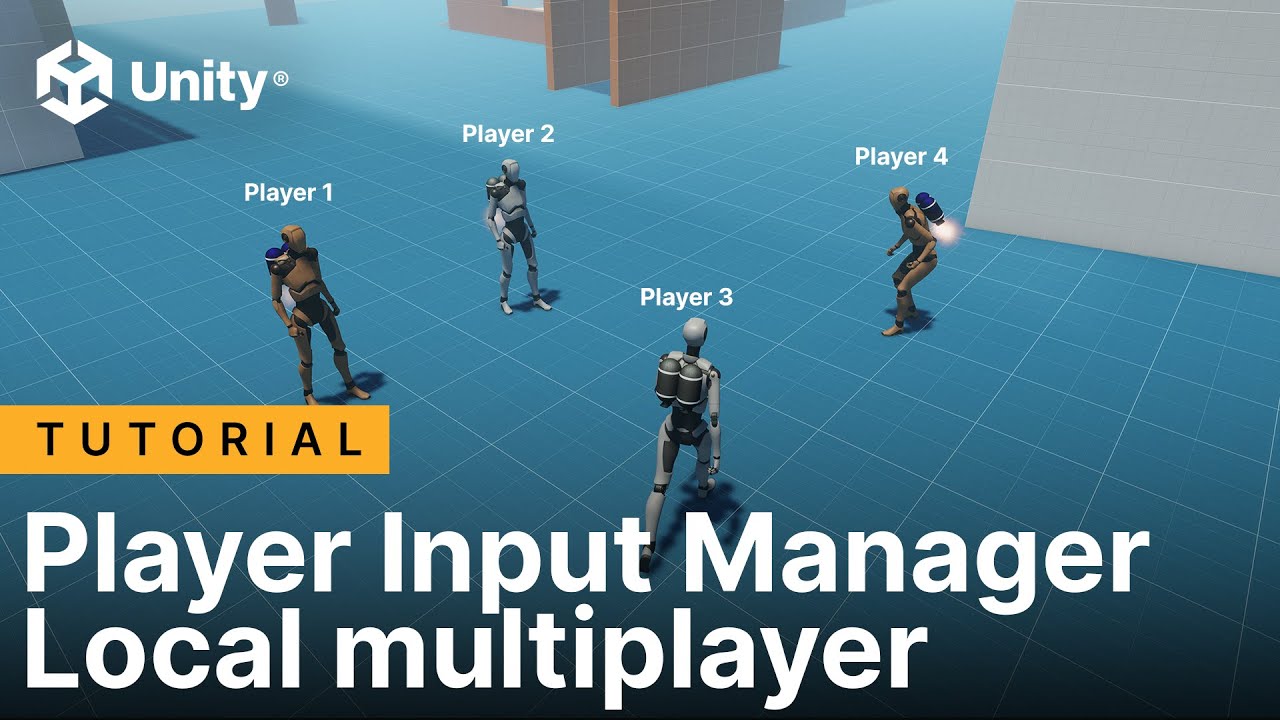
Welcome to the seventh and final tutorial in our Input System course! In the video, we focus on local multiplayer games, where two or more players share the same computer and screen while using separate controllers. You’ll learn how to use the Player Input Manager component to enable multiple players to control different characters in a local multiplayer setup. We’ll demonstrate this with examples, including a local co-op setup, a split-screen configuration, and a two-player scenario.