
Introduction to Unit 2
Tutorial
Beginner
+10XP
5m
(167)
Unity Technologies
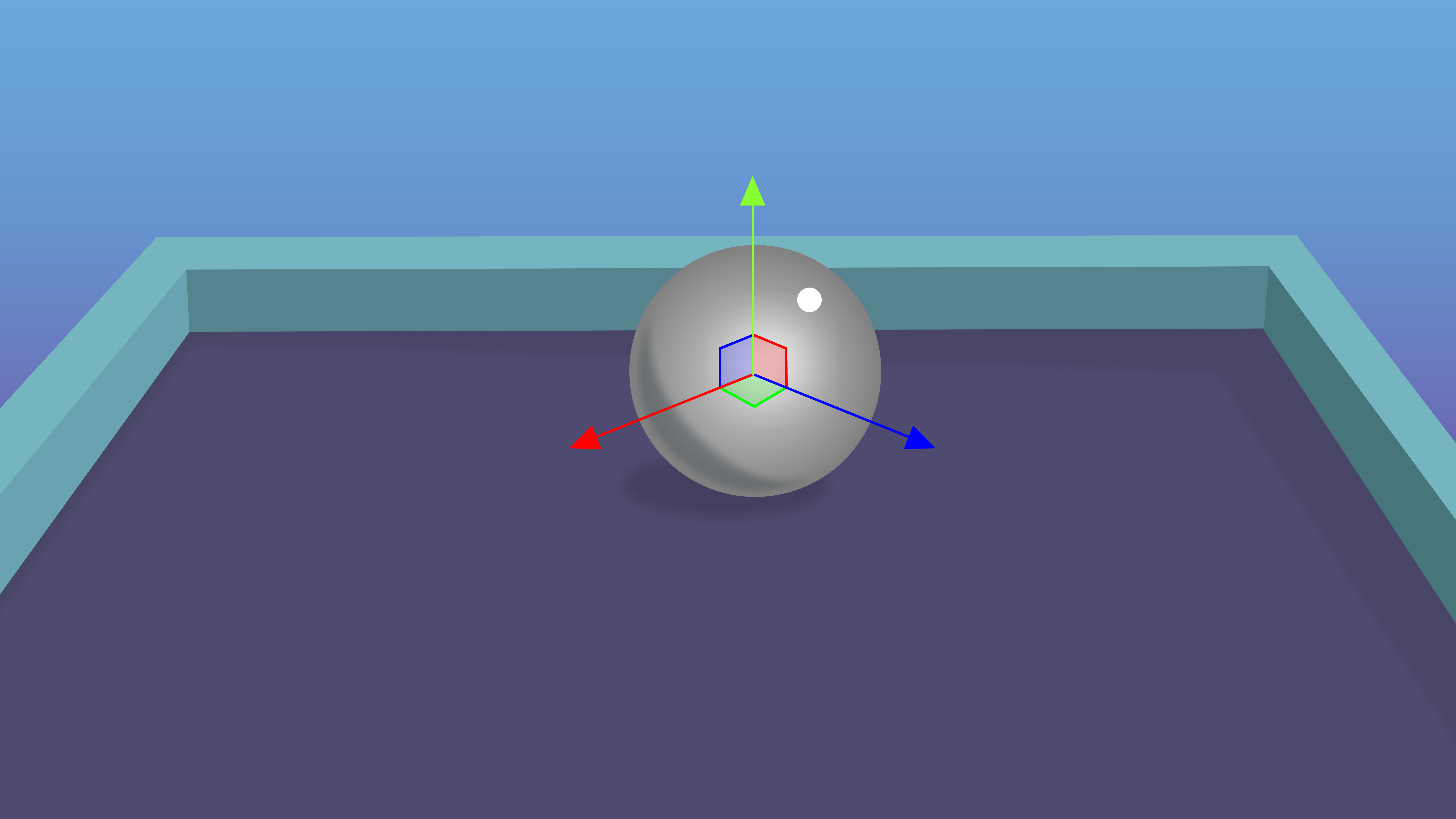
In this unit, you will learn how to create a foundational game called Roll-a-Ball using Unity, where a ball is controlled using the arrow keys to collect items while avoiding an enemy.
In this tutorial, you will get an introduction to this unit and how you will be able to use this foundational, simple game as the basis for a more personalized, unique project of your own.
1. Overview
In this unit, you will create a simple game called Roll-a-Ball that will be the foundation for your personal game project, which you will work on for the entire course.
In this game, you use the arrow keys to roll a ball around a play area, while trying to collect pickups and avoid being caught by the enemy. If you collect all the pickups, you win. If you get caught by the enemy, you lose.
In this tutorial, you will get an introduction to this unit and how you will be able to use this foundational, simple game as the basis for a more personalized, unique project of your own.
2. What will you learn?
As you create this project, you will learn some fundamental Unity skills, including the following:
- How to use the Unity Editor and its built-in capabilities to set up a simple game environment.
- How to write your own custom scripts to create the game functionality.
- How to create a basic user interface to improve the game experience.
- How to build your game so other people can play it!
3. A note about learning C# scripting
If this is your first time learning to program in any scripting language, it is inevitably going to be a bit confusing and overwhelming at times — and that’s OK! It takes a long time to get comfortable with programming, but with enough repetition, things will start to make sense.
If things seem confusing, that is completely normal; just keep going with it. The concepts will slowly become clearer over time.
4. How can you use this game for your personal project?
These tutorials have step-by-step instructions on how to make this very specific, very simple Roll-a-Ball game. However, at the end of this unit, you will be asked to fill out a Game Design Document (GDD) that will outline how your own game will have a distinct theme, style, and set of gameplay mechanics.
Throughout the course, we will use the example below, where a crab is trying to chase and pinch a beach ball, which also started with the simple Roll-a-ball game.
But think about it: this simple game could be the foundation for infinite gaming possibilities. There is a player trying to collect things and avoid an enemy. How many completely different games are there that share that same conceptual starting point? You’ll be able to take this core mechanic and expand it into something completely unique.
Check out the three examples below — all of these started with the same basic mechanics, but ended up as completely different games:
Your game will start just the same as many others, but where it will end up is entirely up to you.
5. Next steps
Now you know what to expect from the unit on creating a basic game, it’s time to get started actually making it!