
Module 3 Challenge
Tutorial
intermediate
+0XP
1h
(21)
Unity Technologies
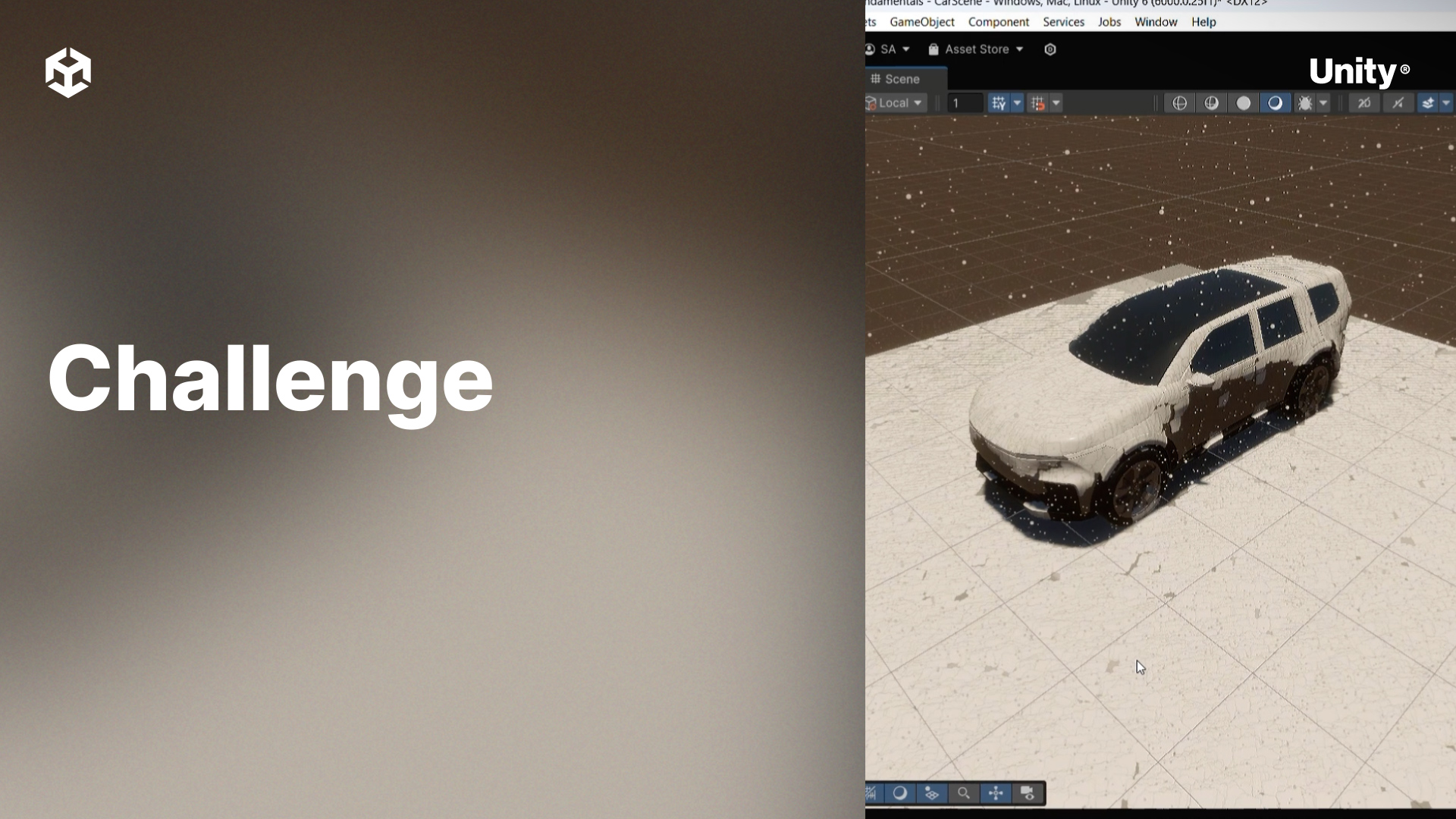
This module covers more complex topics within VFX graph such as decals, SDFs, and volumetric fog.
By the end of this module, learners will be able to:
- Use decals to project a visual effect onto a geometry
- Generate a signed distance field (SDF) using the SDF Bake Tool
- Implement a visual effect using an SDF
- Output volumetric fog from a VFX Graph
1. Using Subgraphs
Using what you’ve learned in Module 3, create a simple visual effect that simulates a small fire. Inside of the same graph, create a subgraph that uses volumetric fog to simulate smoke from this fire. You can create a subgraph by creating a new Visual Effect asset and dragging it into your VFX Graph Editor. You can also convert an existing VFX Graph system (a group of connected contexts) into a subgraph.
Challenge Steps
- Create a new empty GameObject and add a Visual Effect component to it.
- Create a new Visual Effect asset, select the Minimal System template, and assign it to the GameObject.
- Open the Visual Effect asset to edit the graph and create your fire effect.
- Create a subgraph and implement your smoke effect by using volumetric fog.
2. Bonus Challenge
Add a third subgraph to your fire that simulates sparks.