
Module 1 Challenge
Tutorial
intermediate
+0XP
1h
(24)
Unity Technologies
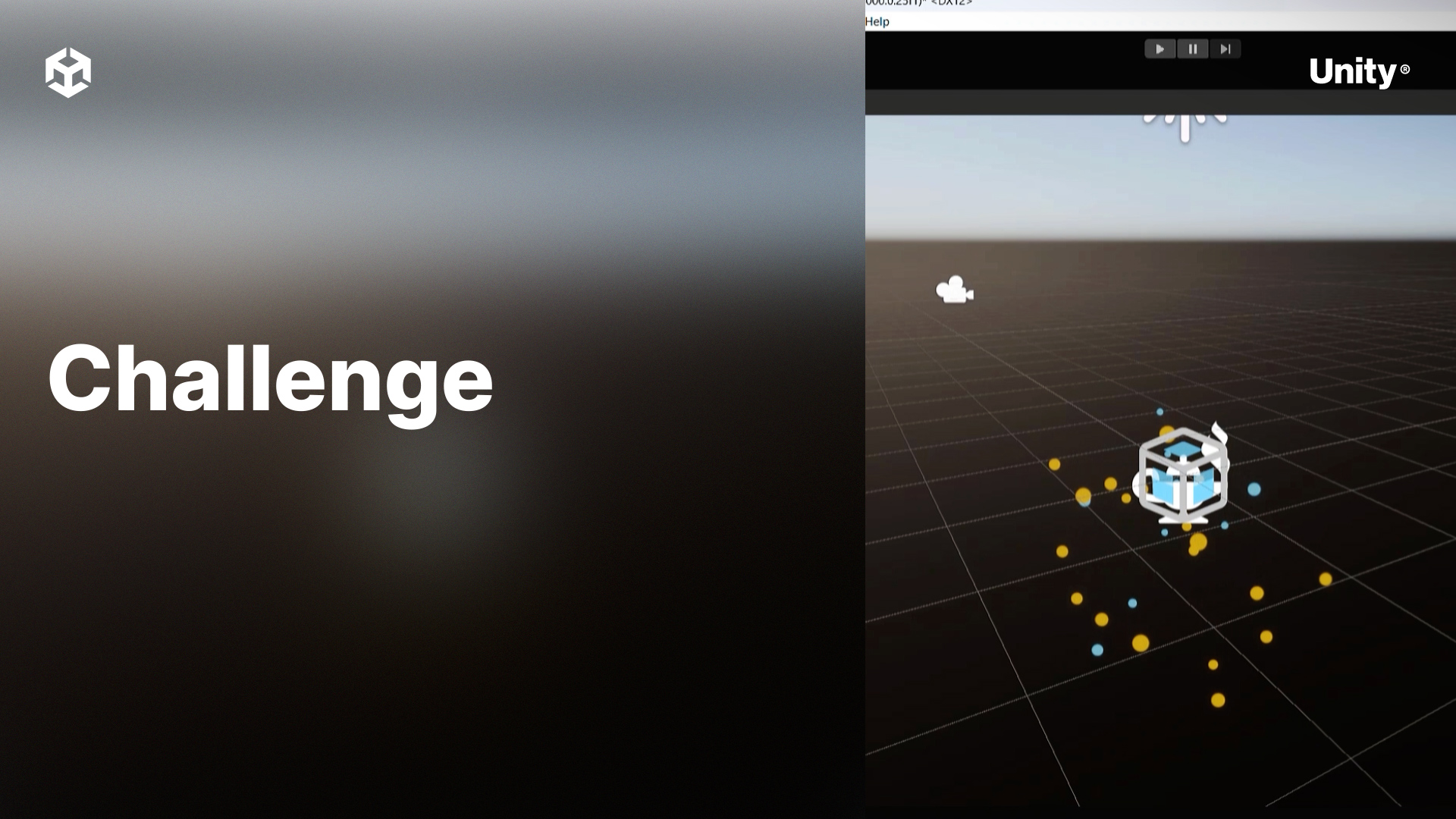
This module covers the basics of getting started with VFX Graph.
By the end of this module, learners will be able to:
- Identify core elements and vocabulary associated with VFX Graph
- Create and edit VFX Graph assets
- Construct a simple visual effect using VFX Graph
1. Creating a new effect
Using what you learned in Module 1, create a new visual effect that uses the following blocks:
- Periodic Burst in the Spawn context
- Set Position Shape: Cone in the Initialize context
- Gravity in the Update context
- Set Size Over Life in the Output context
Challenge Steps
- Create a new empty GameObject and add a Visual Effect component to it.
- Create a new Visual Effect asset, select the Minimal System template, and assign it to the GameObject.
- Open the Visual Effect asset to edit the graph.
- Add the required blocks to each context.
2. Bonus Challenge
Generate a random number between 100-1000 and set the Count property of the Periodic Burst block to that number.