
Module 2 Challenge
Tutorial
intermediate
+0XP
1h
(11)
Unity Technologies
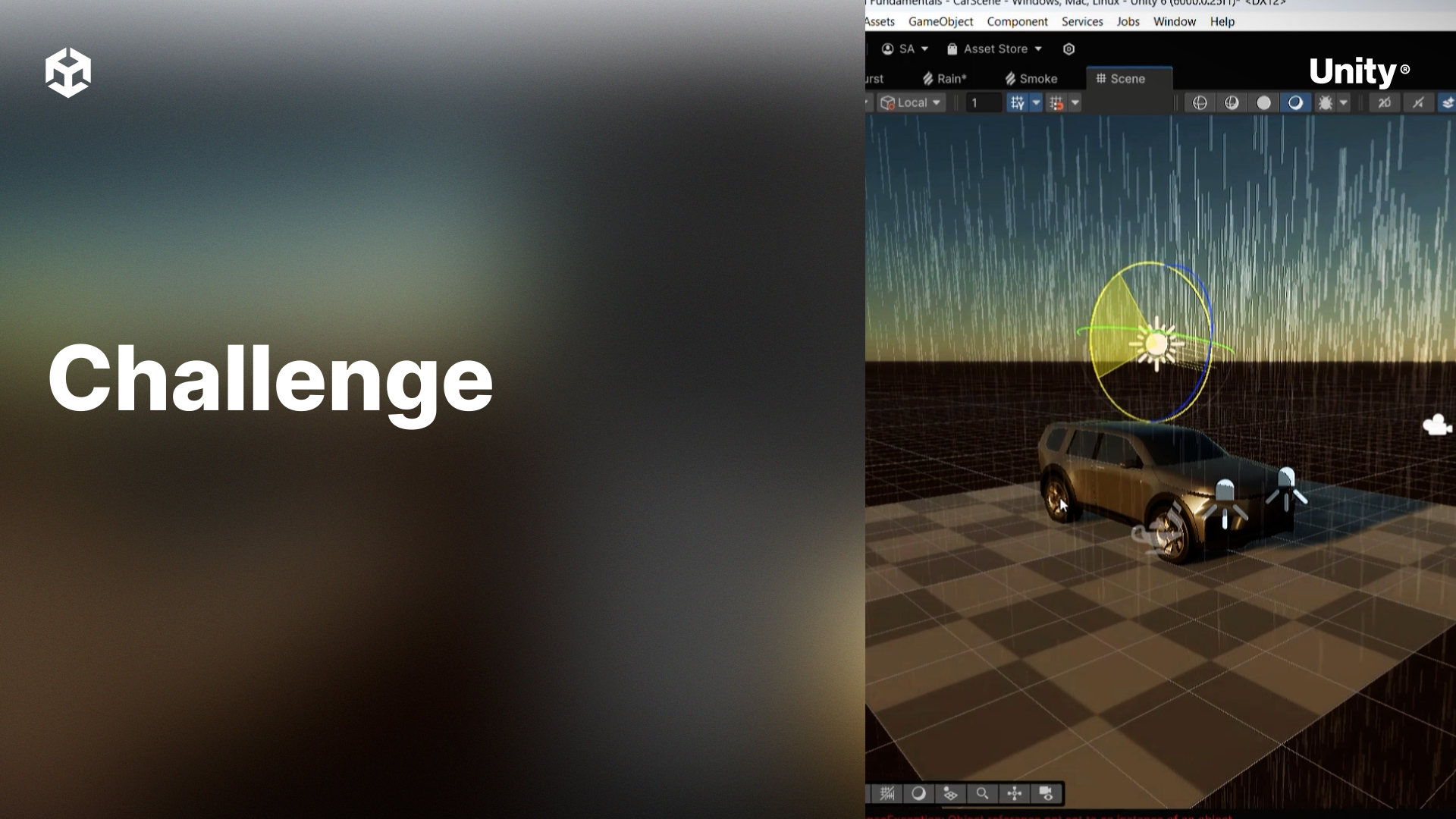
This module covers more complex VFX Graphs that simulate higher amounts of particles with physics
By the end of this module, learners will be able to:
- Create visual effects that utilize a high amount of particles such as rain and snow
- Apply physics to particles such as gravity, drag, collisions, and other forces
1. Simulating complex physics
Using what you learned in Module 2, create a visual effect that simulates objects, such as cubes, bouncing on a very bouncy surface. These objects should bounce in random directions as though the surface were rough.
Challenge Steps
- Create a new empty GameObject and add a Visual Effect component to it.
- Create a new Visual Effect asset, select the Minimal System template, and assign it to the GameObject.
- Open the Visual Effect asset to edit the graph.
- Add a Collision block to the Update context.
2. Bonus Challenge
Use the Gravity block in the Update context to simulate gravity on the Moon.
Hint: The Earth’s gravity is approximately 9.81m/s² while the Moon’s is approximately 1.62m/s²