
Introduction to Unit 8
Tutorial
Beginner
+10XP
5m
(31)
Unity Technologies
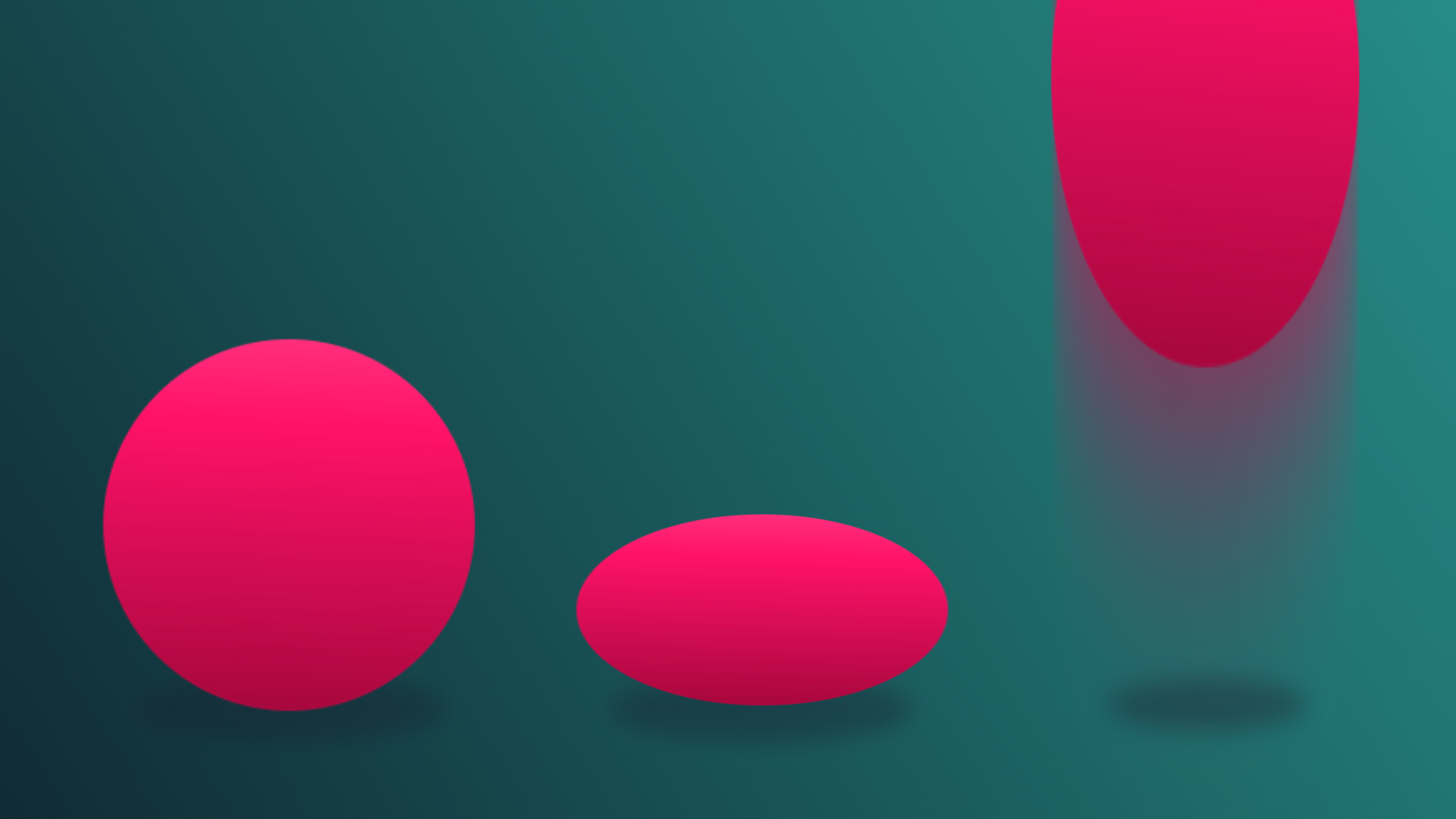
Animation in games is vital for bringing characters, environments, and objects to life, as well as enhancing the overall visual appeal and immersion of a game. In this tutorial, you’ll get a quick overview of what to expect from this unit about animation.
1. Overview
In this unit, you’ll learn how to create and control animations in a Unity project. Then you’ll apply those new skills and add animations to your own game.
Animation in games is vital for bringing characters, environments, and objects to life, as well as enhancing the overall visual appeal and immersion of a game.
In this tutorial, you’ll get a quick overview of what to expect from this unit about animation.
2. What you’ll do
Complete the Animation project
To learn how to implement animation in Unity, you'll first work through a new project step-by-step, learning all of the necessary skills along the way. You’ll learn to bring motion and the illusion of life to characters and environments by creating and configuring animations in the Unity Editor.
You'll also see how these animations are implemented in a 2D game environment.
After you’ve completed the Animation project, you'll have all the skills you need to implement animations in your game. At a minimum, you'll add the following element:
- An animated enemy character or obstacle
By the end, your game should look something like the examples below:
3. Next steps
Now that you have a good understanding of what to expect from this unit, you’re ready to get started. Next, you’ll get started on the Animation project to learn how to create and control your own animations in Unity.