
Submit your final project
Exercise
intermediate
+60XP
1h
Unity Technologies
In this final checkpoint, you will submit your “Clone with a Twist” project in order to earn your VR Development badge and complete the pathway.
1. Overview
In this final checkpoint, you will submit your Clone with a Twist project in order to earn your VR Development badge and complete the pathway.
2. Submit your project
To complete this mission and earn your VR Development badge, please submit your portfolio project. Sharing is optional, but it’s a great way to get feedback from your fellow learners!
Important: This submission is required to complete the VR Development pathway and receive your badge.
To submit your project, complete the following steps:
1. It may have been quite some time since you initially read the requirements for this project, so take a moment to review the criteria in the Clone with a twist tutorial. Remember, there’s no deadline for submissions; you can take all the time that you need to make sure you’ve met the requirements.
2. Check your published build one final time.
3. Record a video demonstrating your VR project.
4. Add a submission title and description. Include the video recording and the link to your repository or devlog in your submission. If you have additional details to share about your process or the project that you have created, you can share them in the description too.
5. Set who can view your submission:
- Public: Anyone who views this tutorial.
- Private: Just you.
6. Select Save and preview submission.
7. Check your submission preview and then complete the CAPTCHA test and select Submit and continue.
Please login to submit
Complete this Tutorial
Submission Gallery
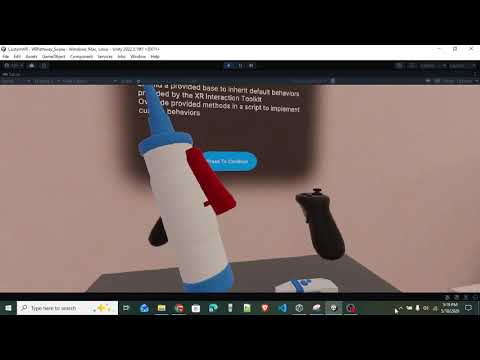
CustomVR Sandbox: Advanced XRI Interactions & Diagnostic Tools
For my final "Create with VR" project, I expanded upon the official XRI Template to build a custom interactive testing room. Rather than relying solely on the Inspector to wire up basic grab interactions, I focused on writing custom C# scripts inheriting directly from the XR Interaction Toolkit API (e.g., XRGrabInteractable). Key Features Implemented: The Diagnostic Scanner: A custom tool that utilizes layer-based Raycasting to read and display the Name and Position of any object it points at in real-time. It features dynamic laser scaling (stopping exactly at the impact point using LineRenderer.SetPosition) and automatically toggles "Force Grab" on the controller only while being hovered over for seamless accessibility. The Balloon Inflator: A complex interactable that reads raw hardware input from the controller's trigger (activateInteractionState.value). It uses Mathf.Lerp to dynamically scale a spawned balloon prefab based on the exact pressure applied to the trigger. Advanced Haptics & Physics: The Inflator utilizes dynamic haptic feedback that scales in intensity based on the speed of the user's trigger pull. It also features a "Shake-to-Release" physical mechanic—reading the Rigidbody's velocity magnitude to detach and float the balloon away when the controller is swung past a specific threshold. This project gave me a much deeper understanding of the XRI update loop (ProcessInteractable override), interface casting (XRBaseInputInteractor), and optimizing compiling speeds in large Unity projects using Assembly Definitions.

VR EX 4
VR EX 4

VR Garden
Sample prototype of restoration of garden by collecting gems.
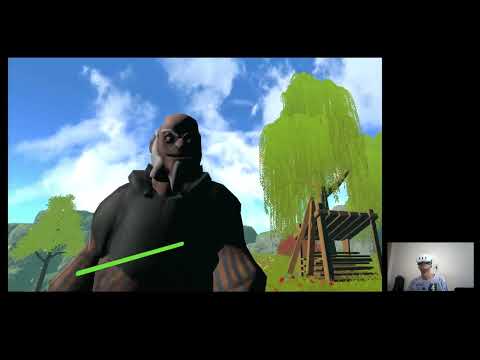
VR Sidequest Build House
Use axe to cut trees and gather logs to build your house

juego final
juwguito final

VR space mission
space simutation in VR