
Challenge 1: Create a NavMesh
Tutorial
Beginner
+10XP
20 mins
(152)
Unity Technologies
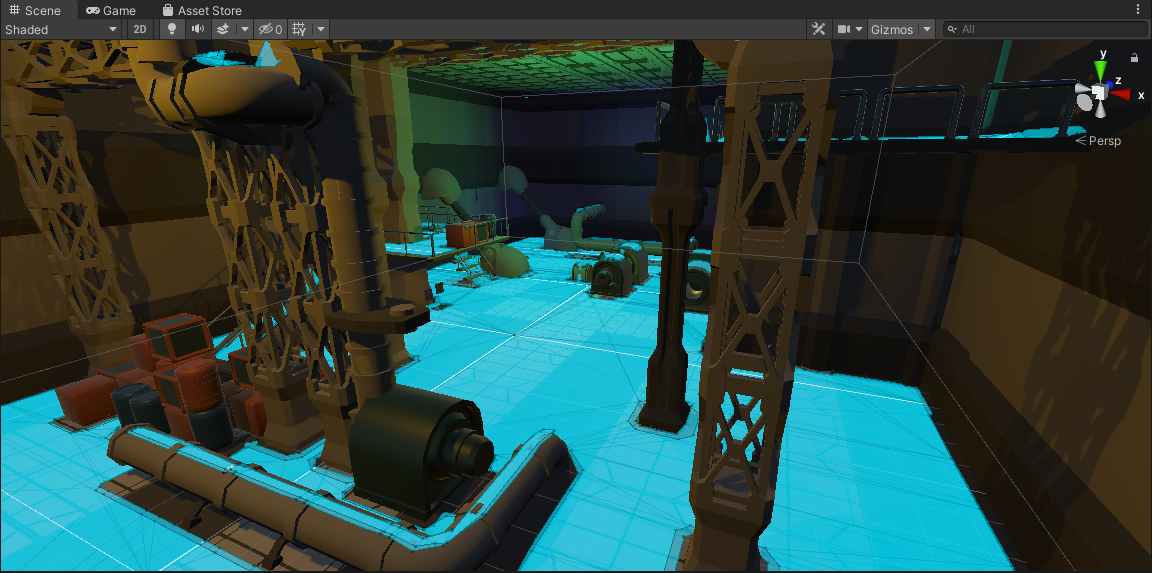
- Create a NavMesh in the scene
- Configure areas to be included and excluded from the NavMesh
Languages available:
1. Creating a NavMesh
1. Create a new empty GameObject, name it NavMesh, and reset its transform
2. Add the NavMeshSurface component to the newly created GameObject
3. Click the Bake button to create the NavMesh
4. Everything that is highlighted in blue in the Scene view is part of the NavMesh surface. Notice the Player GameObject is also included in the NavMesh Bake.