
Challenge: Configure Lights, Materials, and Post Processing to your project
Tutorial
Beginner
+0XP
15 mins
(61)
Unity Technologies
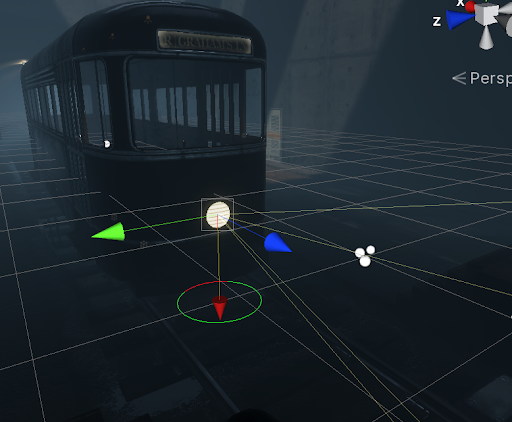
The goals of this exercise is to setup lights, configure materials, and customize the look and feel of your scene using Post Processing. For this challenge, you will:
- Add and configure HDRP Lights
- Add and configure HDRP Materials
- Add and configure HDRP Post Processing
Resources
Languages available:
1. Lighting
- Add a spot light to the front of the Tram Car
- Add a spot light to the ceiling lights
- Add a Tube Light to the Light above the doors
2. Materials
- Enhance the glass material using HDRP’s Lit Shader
3. Post Processing
- Add Depth of Field
- Add Tonemapping
- Add Vignette
- Add White Balance