
Challenge: Your own soundscape
Exercise
Beginner
+60XP
45m
Unity Technologies
In this final challenge, you’ll take everything that you learned and create a soundscape for a new environment.
By the end of this tutorial, you'll be able to demonstrate your new skills in audio.
Languages available:
1. Overview
In this project, you created a complete soundscape for a waterfall environment. In doing so, you learned about the key features of an Audio Source and how to configure both ambient and event based audio effects. You also further customized the scene by adding a reverb zone to create an echoing effect. In this final challenge, you’ll take everything that you’ve learned and create a soundscape for a new environment.
As you prepare to create your own soundscape, let’s hear from our creators about some of the challenges you might encounter when designing audio for an experience:
2. Create your soundscape
1. In the Scenes folder, locate and open Audio_Indoor_Scene.
2. Explore the scene in Play mode.
3. Identify several items that you can add audio effects to. Remember that not all audio sources need to be visible.
4. Consider what kind of narrative you wish your soundscape to present to the user.
This base scene is just a starting point: you may add anything you like to the environment, but nothing can be removed! To complete this challenge, you must assess the environment and determine what kind of sound effects it should have, find those sound effects, and then apply them in Unity. As you work through the development process, remember:
- What ambient sounds would make sense for this environment? Remember, even a silent room is rarely truly silent.
- What objects in the environment would be making sounds?
- What types of materials are the environment’s elements made of? Would they produce echoes? Would they absorb sounds?
Gather your audio effects, taking care to make note of the license type for each sound. Ideally, you should use audio that has a CC0 license, but if you need to credit the creators, you can keep a text file in your Unity project with all of the required credits listed. This can also be a good opportunity to create sound effects yourself!
Remember, Unity is capable of handling the following audio formats:
- MPEG (for example, footsteps.mp3)
- Ogg Vorbis (for example, footsteps.ogg)
- WAV (for example, footsteps.wav)
- AIFF (for example, footsteps.aiff)
You should expect to spend at least 40 minutes on this challenge.
3. Criteria
You’ll know you’re successful if you’ve met these criteria:
- You’ve added no fewer than five audio effects.
- You have sources representing ambient sounds.
- You have audio sources representing direct objects in the scene.
- You’ve added at least one special effect for an audio source.
4. Next steps
Congratulations! You have completed the learning required for Core Audio.
You have the core skills and knowledge for one of the primary creative domains within the Unity Engine.
Now you’re ready to apply these skills in other projects! We can’t wait to see what you make next.
5. Submit your work
After you’ve fulfilled the requirements, please submit and share your project! Before you do though, make sure you’ve thoroughly tested it — or even better, ask a friend or family member to test it too.
Follow these instructions to submit your project:
1. Take a screenshot or screen recording of your project.
2. Add a submission title and description. Make sure to include the video recording. If you have additional details to share about your process or the project that you have created, you can share them in the description too.
3. Set who can view your submission:
- Public: Anyone who views this tutorial.
- Private: Just you.
4. Select Save and preview submission.
5. Check your submission preview and then complete the CAPTCHA test and select Submit and continue.
We highly recommend that you comment on at least one other creator's submission. Did they successfully complete the challenge? What do you like about the project? What would be a cool new feature they might consider adding?
Please login to submit
Complete this Tutorial
Submission Gallery
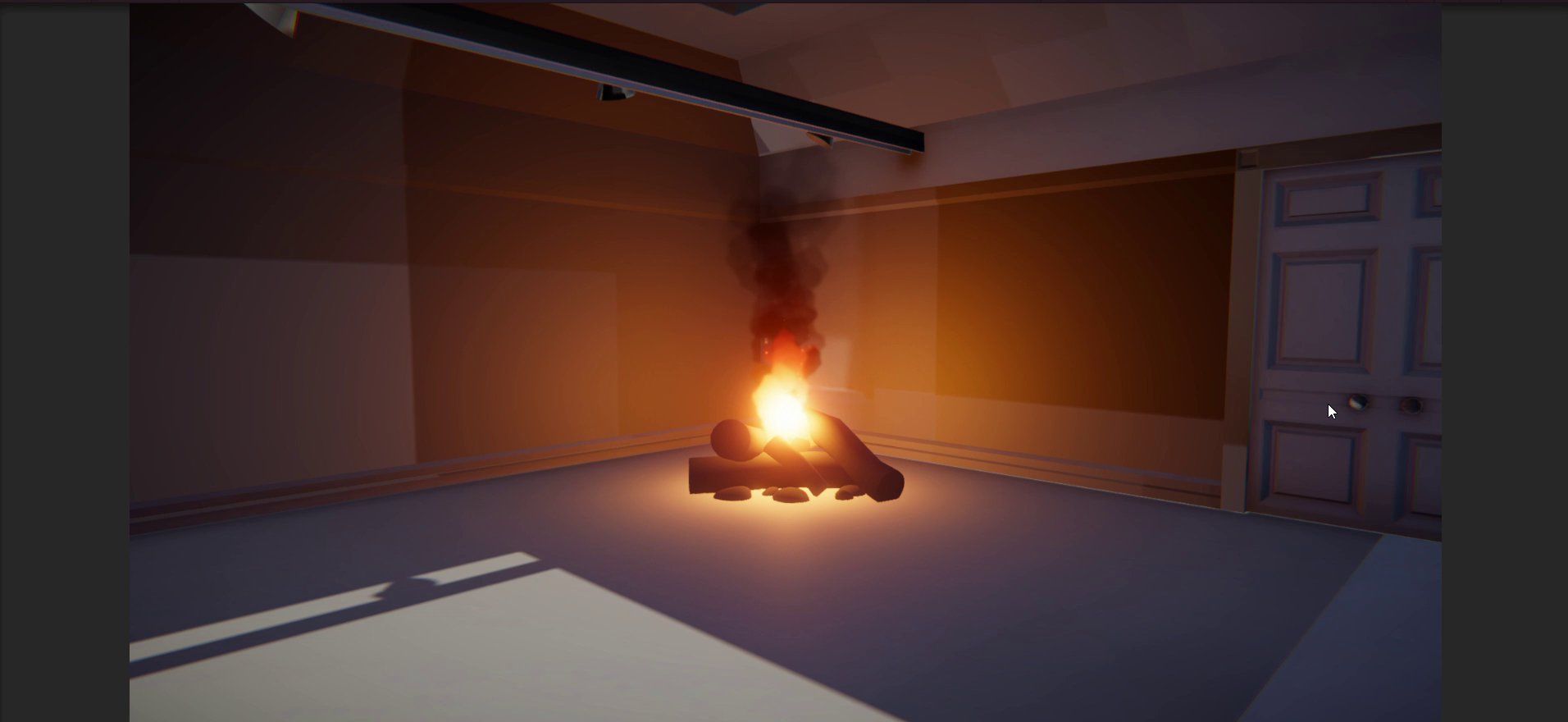
Audio inside gallery
I've added rain on the skylight, noise from the fire, footsteps outside the doors, buzzing from the lights, and some street noise outside the wall oppisete the pictures.

Ambience thing
fire fall
"3D SimDYN Audio" by StAl Project
It is an interactive and dynamic 3D audio simulation that focuses on various sound effects. Explore them all using the keyboard and mouse (WASD, R, T, F, and mouse controls). Walk and run everywhere!
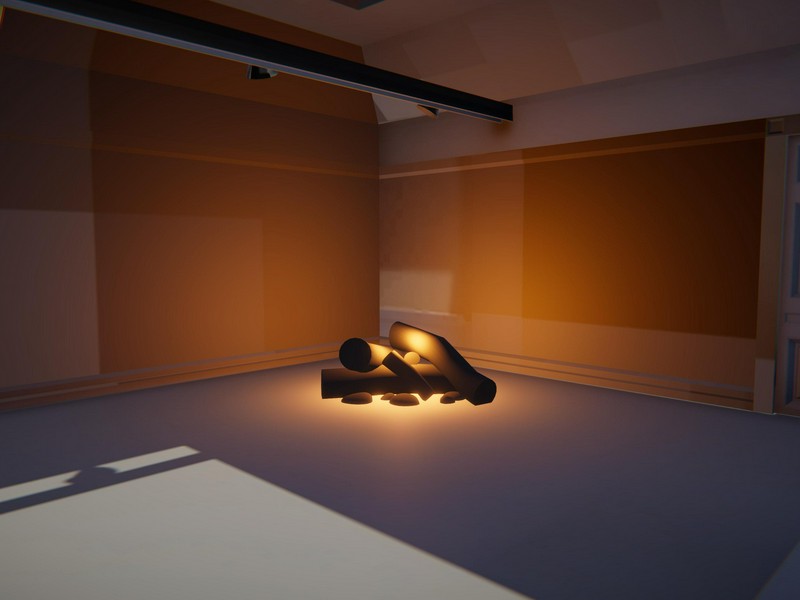
Audio Gallery
Creating my own soundscape using sound effects.
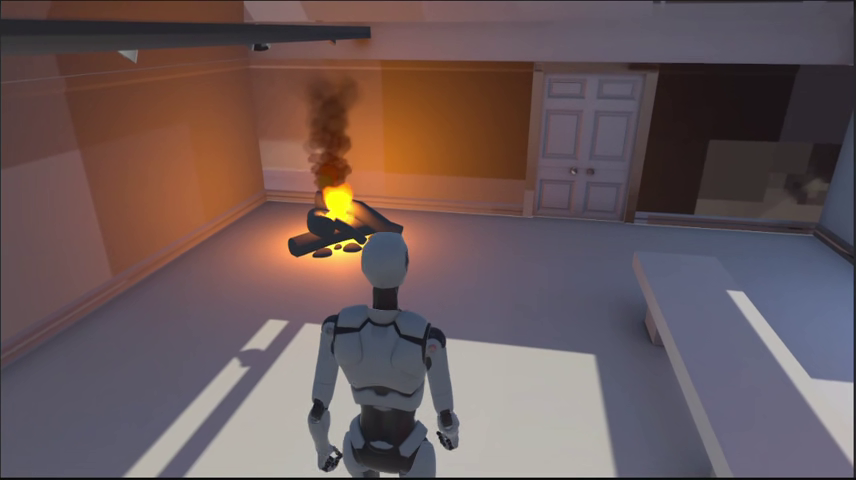
Night at the Gallery
A night by the campfire in an abandoned gallery, while it is windy and cold outside.
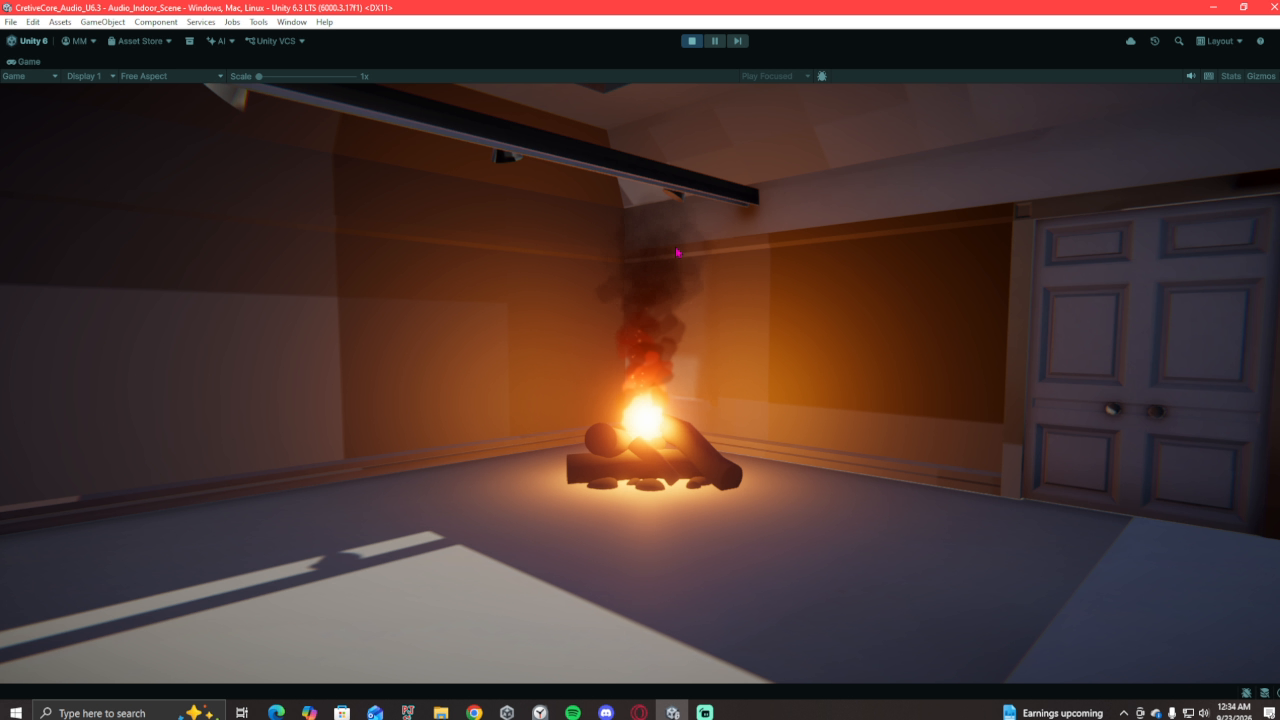
mysterious room
Humming: Patrick-Raul Babinsky Zap: TRNGLE Campfire: Geoff Bremner