
Challenge 1: Audio Setup
Tutorial
Beginner
+10XP
15m
(247)
Unity Technologies
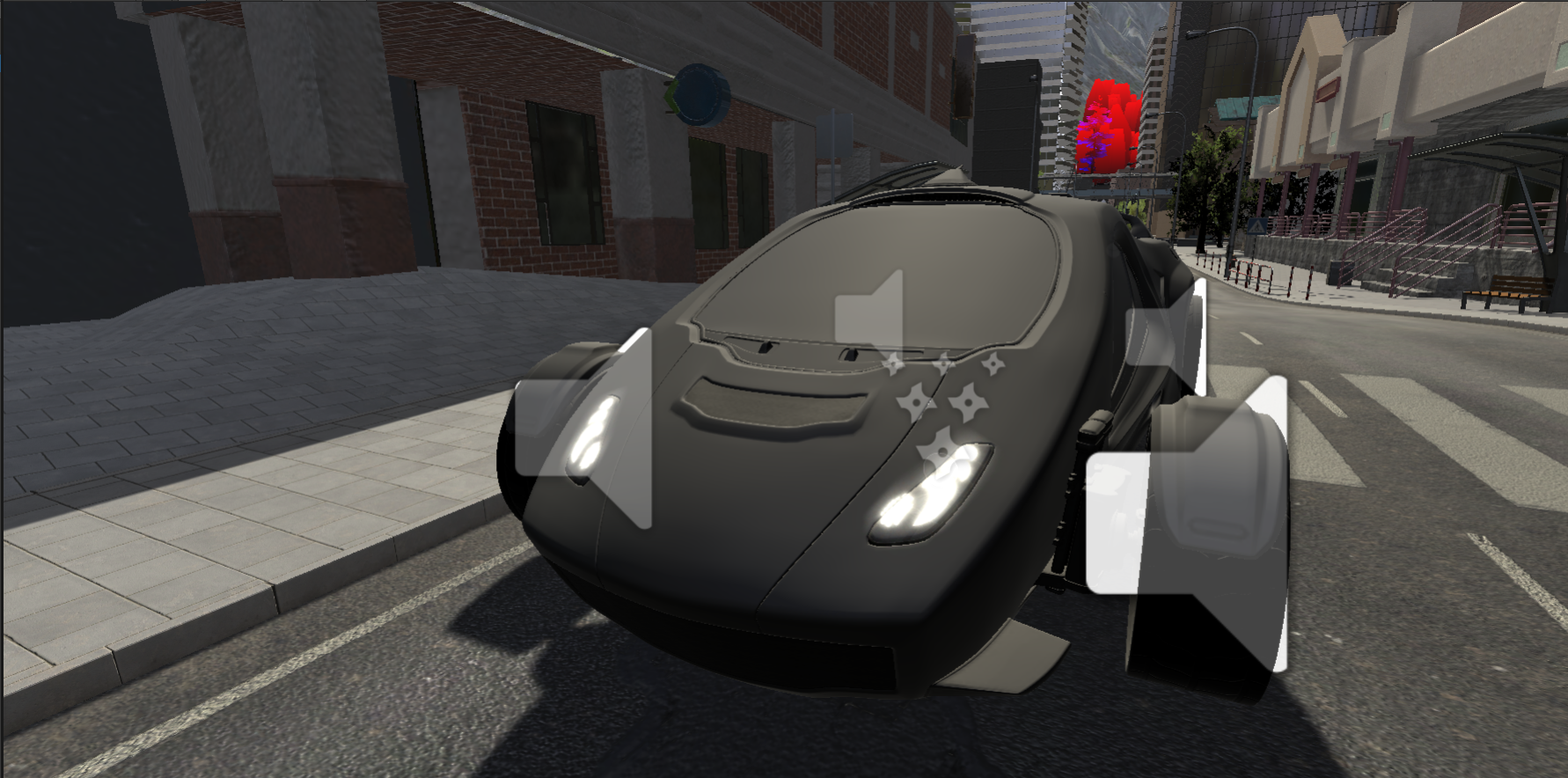
Learn to create audio sources in the Unity Project that are configured to playback during runtime
1. Importing the Post Processing Package
Import the Post Processing Package from the Package Manager (Window > Package Manager)
2. Adding Audio Components
In the LearnLive_Audio_STARTER scene:
- Add an AudioSource to the Car GameObject by selecting it, clicking Add Component, searching for and selecting Audio Source.
- In the Audio Source Component, add the AccelerationLow Audio Clip to the Audio Clip field.
- To add background audio; create a new GameObject called AudioSource_Jazz.
- Add an Audio Source component to the newly created GameObject before setting the Audio Clip to Jazz.