
Challenge 4: Trigger Audio Playback via C# Script
Tutorial
Beginner
+10XP
20m
(89)
Unity Technologies
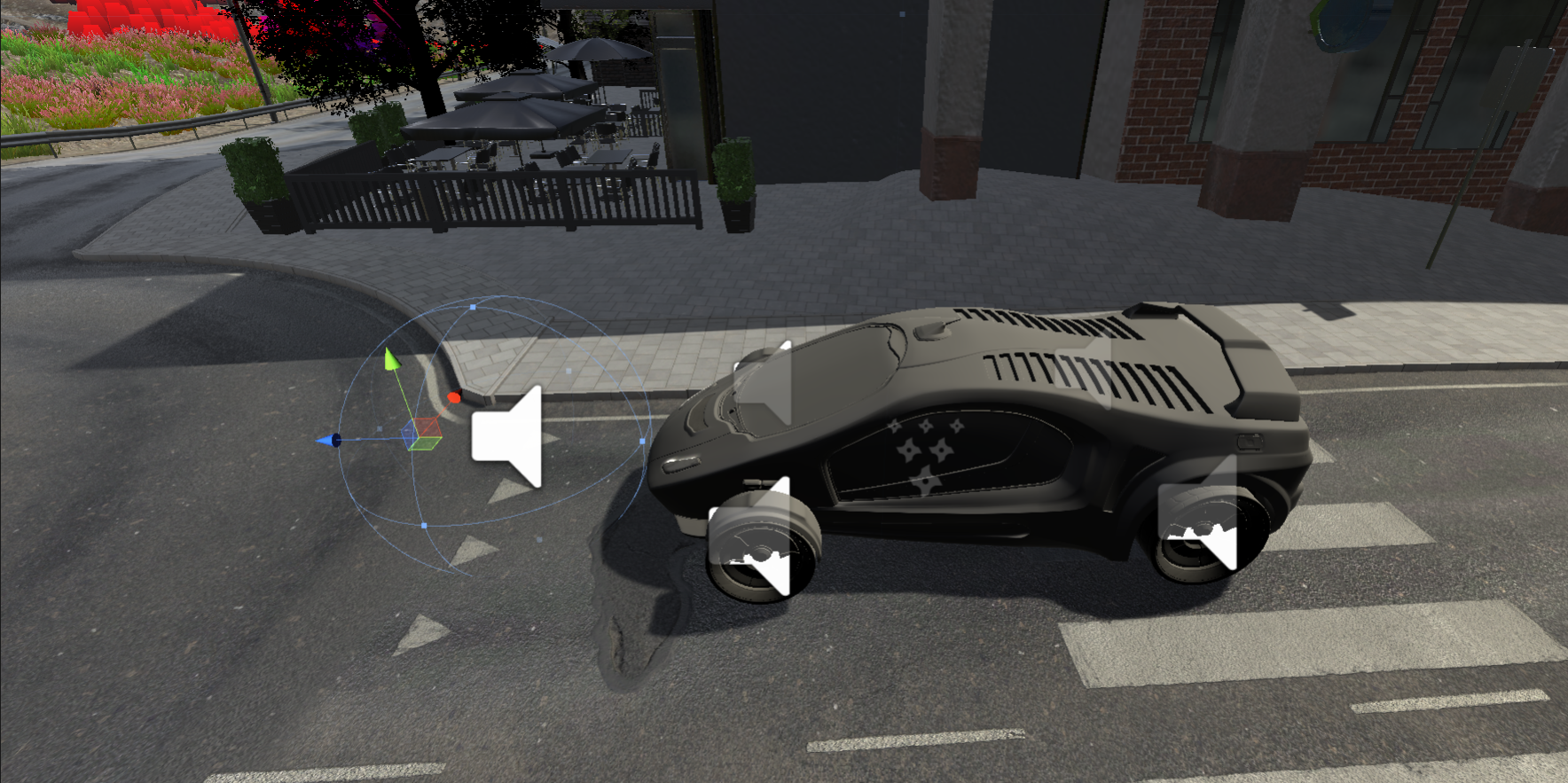
Learn how to trigger audio playback in the scene using a custom C# script component
1. Creating the C# script
- Create a new C# Script in the Project window and name it HonkAudioController (Create > C# Script)
- Open the newly created script in your code editor.
- To trigger an AudioClip when the Player GameObject enters the collider of the attached GameObject, modify the script to look like following:
Back in Unity;
- Select the Horn_Collider GameObject (Car > Horn_Collider) from the Hierarchy, and add your HornAudioController component to it by clicking Add Component, searching for and selecting the HornAudioController.
- In the Horn_Collider’s Inspector, drag the Audio Source onto the AudioSource field of the HornAudioController, and set the Horn AudioClip to the CarHorn.
- Play the scene and walk in front of the car to trigger the Horn audio.