
Submit Your Project
Exercise
Beginner
+60XP
10m
Unity Technologies
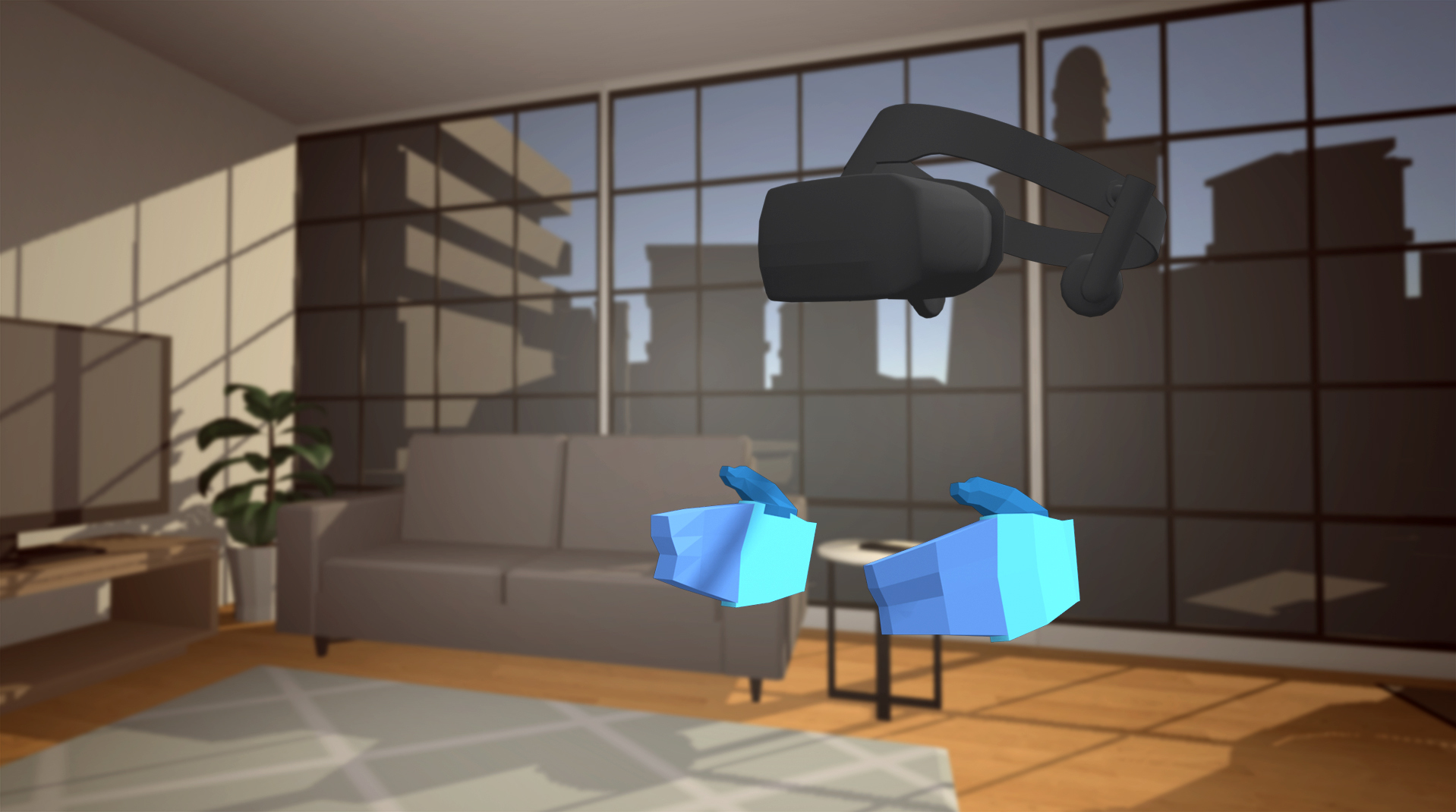
In this tutorial, you will submit your final project and learn more about possible next steps now that you can Create with VR!
1. Submit Your Project
Once you have completed the development of your VR Room, please take a screenshot of your project or do a screen-recording walking us through it, then post it here to share what you’ve made. You can take screenshots within the Unity Editor or try to capture footage directly from the device. We highly recommend that you comment on at least one other creator's submission. What do you like about the project? What would be a cool new feature they might consider adding? Additional resources on capturing footage directly from an Oculus device:
Note:
- Oculus devices cannot currently capture the microphone input during video recordings, but the app’s audio is recorded.
- Due to the variable refresh rate in videos, recorded audio will likely be out of sync from the video footage. To sync the audio and video perfectly, you may need to edit them in a video editing program.
Please login to submit
2. What Next?
In this lesson from the Create with VR course, you will be provided with potential next steps, now that you have completed this course. Whether you are more interested in art or programming, there is so much more you can learn in order to take your skills to the next level and create even more custom, unique VR experiences.
Our teaching ambassador, Mark Suter, has also developed a series of step-by-step guides to create fun, playable VR experiences, called VR Basic Bytes. Build along side him here.
Finally, if you have completed either the Unity Certified User: Programmer exam or the Unity Certified User: Artist exam, you are also eligible to take the Unity Certified User: VR Developer exam.
Complete this Tutorial
Submission Gallery

jeetwinindia
Hi guys! I first heard about this site while scrolling through a sports discussion group from India where people were arguing about football odds. Out of curiosity I opened jeetwinindia.net later that evening and noticed the interface was easier to understand than most similar platforms I tried before. What interested me most was the live section because everything updated without delays during matches. I mainly use it after work now when I want to relax and follow sports without wasting time searching around.

Indore plant space
Indore plant space

PARCOOR GAME
YOU ARE PARKOORING AND IS FUNNY

test
Managing project permissions

aaaaaaaaaaaaaa
aaaaaaaaaaaaaaaa

Katherine VR experience
my experience of VR