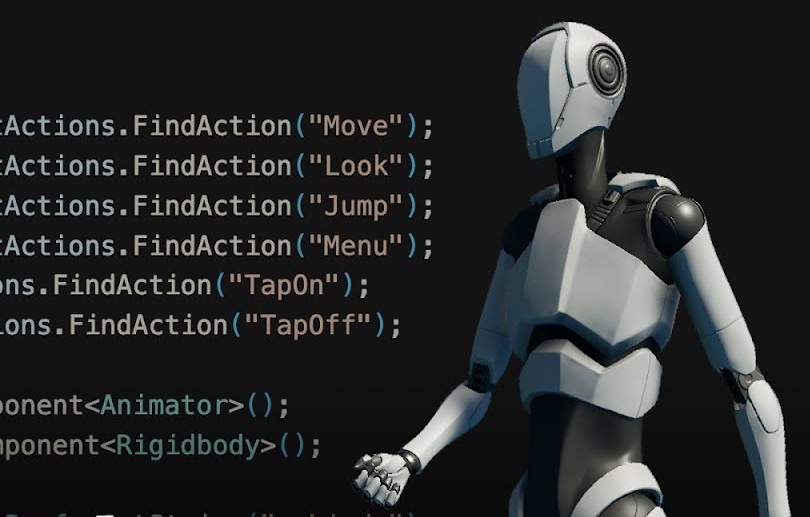
Input System Video Series
Learn Unity 6's Input System across seven videos: Actions editor, scripting, mobile controls, UI Toolkit, rebinding, and local multiplayer.
Course Overview
This seven-part series takes you from an empty Input Actions asset to a working local multiplayer setup in Unity 6. You'll define actions and control schemes in the Actions editor, drive them from C#, add on-screen touch controls for mobile, connect the Input System to UI Toolkit for gamepad menu navigation, build in-game rebinding that persists with PlayerPrefs, and use the Player Input and Player Input Manager components for local co-op and split-screen. Suited to developers comfortable in the Editor and with basic C#, whether adopting the Input System for the first time or moving off the legacy Input Manager.
Languages available:
Educator Resources
Useful resources for educators, who want to bring Unity content to their students.