
Submission 3 - Share your Work
Exercise
Beginner
+60XP
10m
Unity Technologies
If you went above and beyond in your VR room, the challenge, or your personal project for this Unit, please share screenshots or videos here!
This submission is part of the Create with VR course.
1. Overview
This tutorial is entirely optional.
If you are not interested in sharing your work, simply mark this step as complete, scroll to the bottom of the page above the Submission Gallery and select Skip submission and continue.
You can still successfully complete the course without sharing your work.
2. Share your work
We would love to see what you've created with VR!
Please take a screenshot of your project or do a screen-recording walking us through it, then post it here to share what you’ve made. You can take screenshots within the Unity Editor or try to capture footage directly from the device.
We highly recommend that you comment on at least one other creator's submission. What do you like about the project? What would be a cool new feature they might consider adding?
Additional resources on capturing footage directly from an Oculus device:
Note:
- Oculus devices cannot currently capture the microphone input during video recordings, but the app’s audio is recorded.
- Due to the variable refresh rate in videos, recorded audio will likely be out of sync from the video footage. To sync the audio and video perfectly, you may need to edit them in a video editing program.
Please login to submit
Complete this Tutorial
Submission Gallery

Modern_VRRoom
This project was developed by completing the Unity Learn Create with VR course and extending it with the additional assignment requirements. The goal was to create an immersive room-scale VR experience using Unity and the XR Interaction Toolkit. Throughout the course, I learned how to configure a VR project, set up the XR Origin, camera, and controllers, implement object interaction using XR Grab Interactable components, create teleportation locomotion with Teleportation Areas and Anchors, build world-space UI, integrate spatial audio, and apply VR design best practices and basic performance optimization. The completed project includes a fully interactive VR environment where users can grab, move, and release objects naturally using the controllers. Users can navigate the environment through teleportation, creating a comfortable room-scale experience. To satisfy the assignment requirements, I replaced the default controller models with animated hand models that respond to grip and trigger inputs, improving realism and immersion. An analog wall clock was also implemented using C# scripting. Instead of using Unity's Animation window, the script reads the computer's current system time and updates the hour, minute, and second hands in real time. To improve performance, I used baked lighting, static objects where appropriate, optimized textures, and an organized scene hierarchy to maintain smooth VR performance. This project strengthened my understanding of Unity XR development, object interaction, locomotion, controller input, real-time scripting, and performance optimization while providing practical experience in building an engaging and interactive virtual reality application.

Bedroom
I've add graphic settings

ttt
sadacaC

VR LIGHTING
Lighting and optimazationand light probe added

Unity Create with VR – Unit 3 Project
This video showcases my completed work for Unit 3 of the Unity “Create with VR” course | EcoPark VR, VR Room & Challenges Implementation
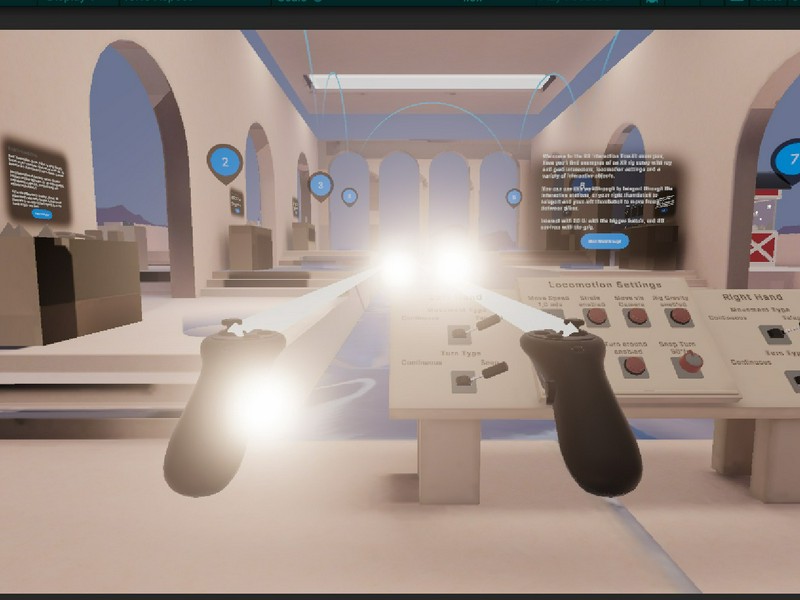
Final design
Level 4