
Challenge 4: Create NavMesh Off Links
Tutorial
Beginner
+10XP
20m
(113)
Unity Technologies
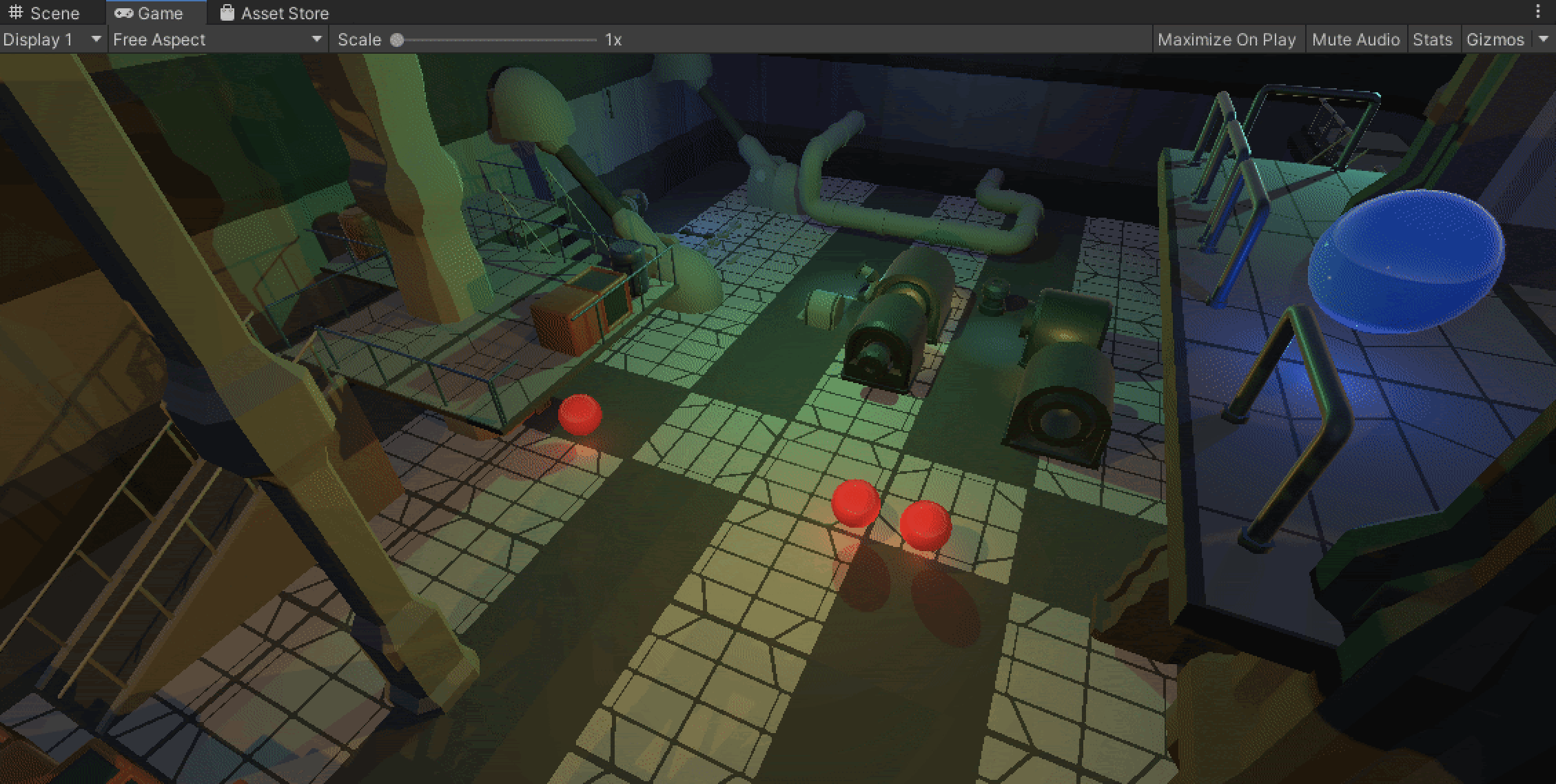
Configure NavMesh Off Links to allow NavMesh Agents to move from one NavMesh to another
1. Add NavMesh Off Links
1. Create a new GameObject called OffLink and position it at the highest balcony in the scene (around (-3.5, 3.3, 34.5), and add a NavmeshLink Component to the OffLink GameObject
2. Configure the Starting position to be (0, 0, 0) so it is at the OffLink GameObject’s Position and configure the End position to be at the balcony across the corridor.
3. Click Play and test the OffLink by clicking on each balcony to instruct the Player to move from point to point.