
Submissions - Getting Started with AI Pathfinding
Exercise
Beginner
+0XP
Unity Technologies
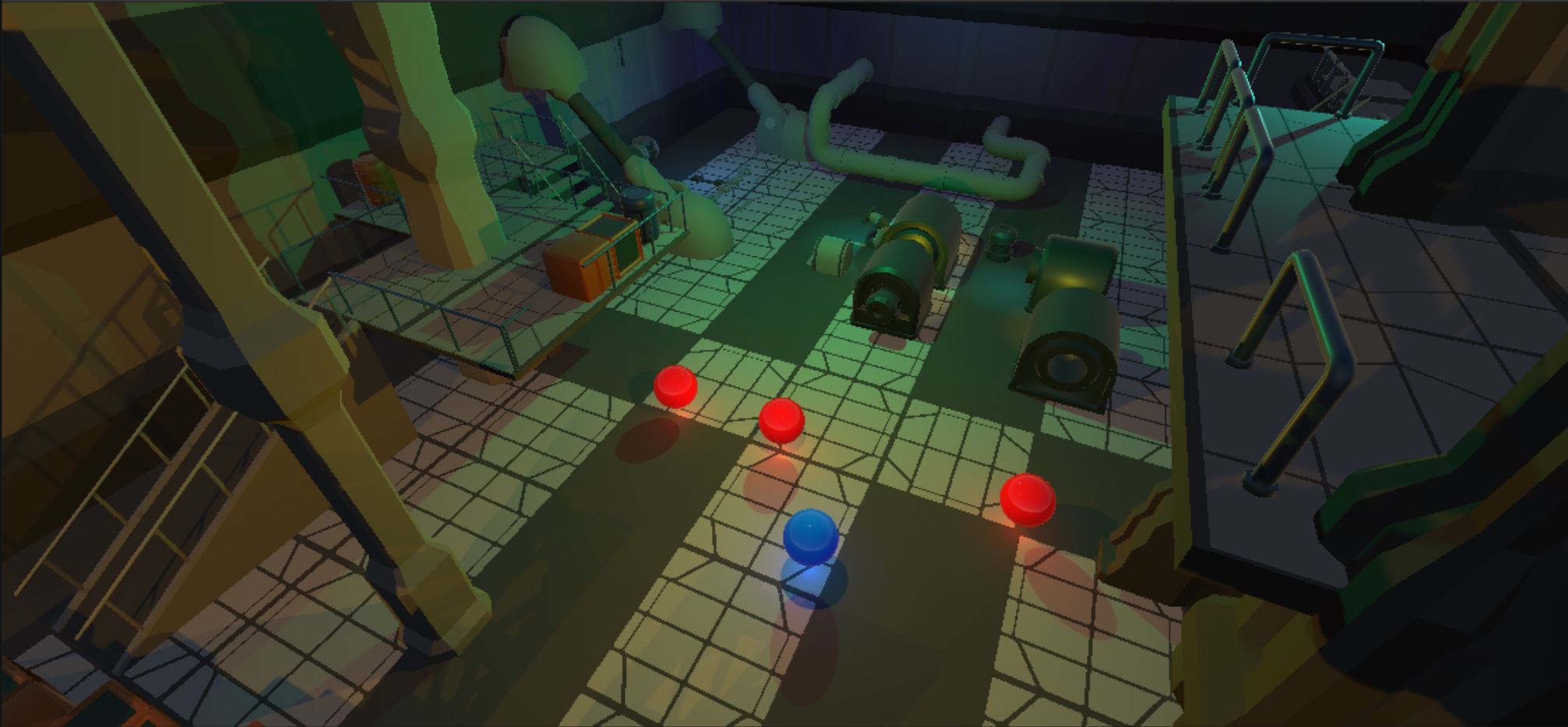
If you went above and beyond and want to share your project with others, submit a screenshot or video of your project here!
1. Submit your project
If you went above and beyond and want to share your project, do a screen-recording and post it here to share what you made! You can also upload your project online as a WebGL build so others can play it. To upload a WebGL build, you can:
- Follow the instructions to build your project for WebGL
- Go to Unity Connect and click the Post Project button in the top-right corner
- Follow the instructions to upload your WebGL project
- Share a link in your submission description below so other people know where to find it
Please also share any "behind-the-scenes" info about how you made your project!
Please login to submit
Complete this Tutorial
Submission Gallery

Navmesh project
Navmesh project terminado

Bleh
Great tutorial, nice mix of coding also

Getting Started with AI Pathfinding
Basics of AI Pathfinding with Unity

AI Navigation
Followed the instructions in the course but added Cinemachine Third Person Follow, adaptive light probe volume and built it on Android Mobile.

AiNav
AiNav

asdfasdfasdfas
asdfasdfa