
Introduction to Unit 5
Tutorial
Beginner
+10XP
5m
(61)
Unity Technologies
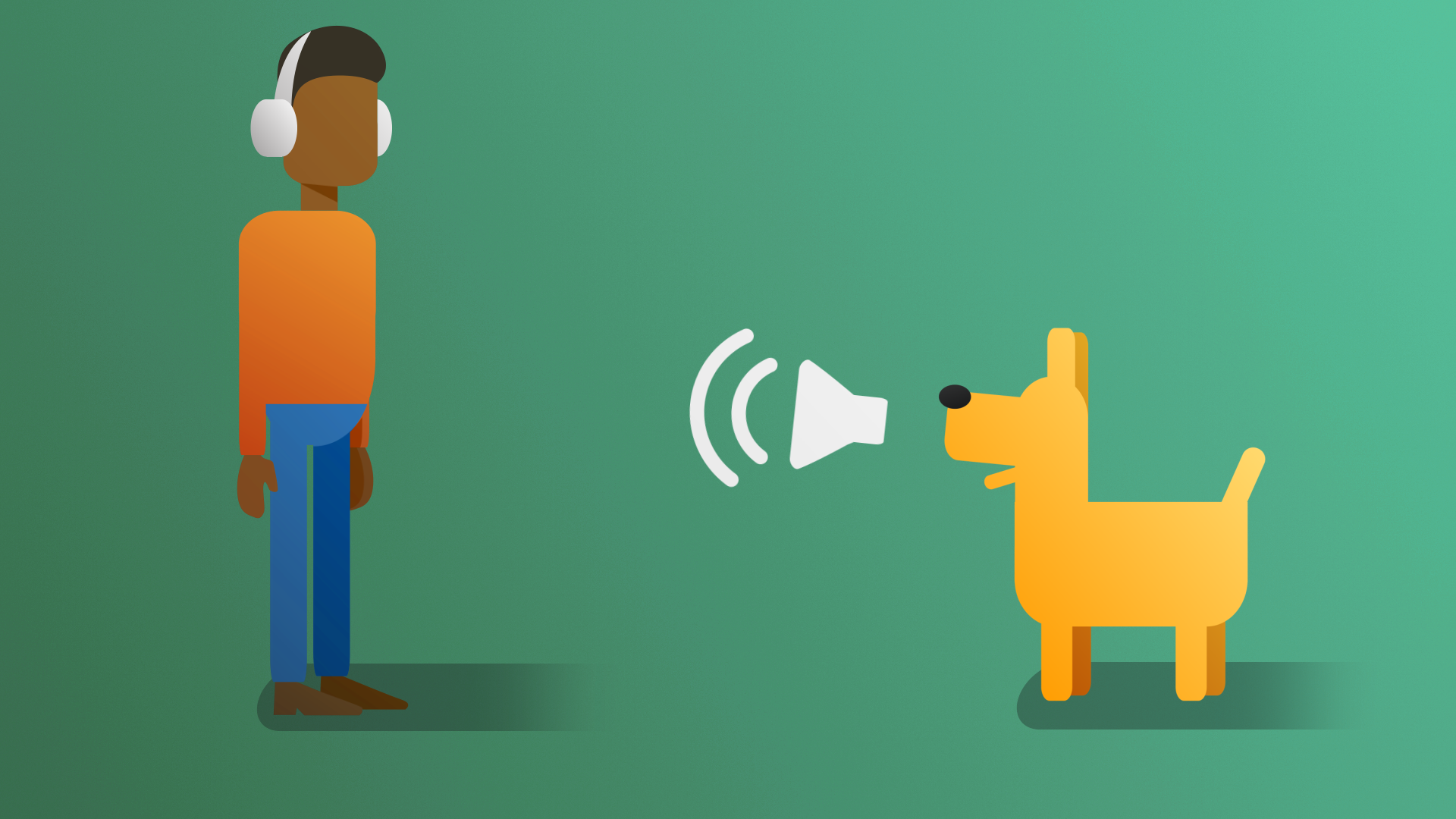
Adding sound to your games allows you to enhance immersion, create a more engaging atmosphere, and provide crucial audio cues for gameplay elements and storytelling.
In this tutorial, you’ll get a quick overview of what to expect from this unit about audio.
1. Overview
In this unit, you’ll learn how to implement audio effects in Unity. Then you’ll apply those new skills and add audio to your own game.
Sound can change the way that we experience the world around us. This is also true for interactive experiences. Take a moment to hear why our pros believe that audio is so important:
In this tutorial, you’ll get a quick overview of what to expect from this unit about audio.
2. What you’ll do
Complete the Audio project
To learn how to implement audio effects in Unity, you'll first work through a new project step-by-step, learning all of the necessary skills along the way. You’ll explore the different ways audio is perceived, and implement ambient and event based sound.
You'll also see how those audio elements are implemented in a 2D game environment.
Add audio to your own game
After you’ve completed the Audio project, you'll have all the skills you need to implement audio in your game.
3D game
If you are working a 3D game, you’ll add the following:
- A soundtrack that starts automatically and plays while the game is running.
- A sound that tells the user when they successfully pick up a specific object.
- A sound that plays when the enemy character catches the player.
Your game could sound something like this after implementing audio:
2D game
If you are working a 2D game, you’ll add the following:
- A soundtrack that starts automatically and plays while the game is running.
- A sound that plays when the enemy character catches the player.
Your game could sound something like this after implementing audio:
Learner examples
Play the games below made by other learners and notice the impact that audio has on the overall experience:
3. Next steps
Now that you have a good understanding of what to expect from this unit, you’re ready to get started. Next, you’ll get started on the Audio project to learn how to implement your own soundscape in your game.